New Free & open source · macOS 14+

Your Mac's menu bar,
supercharged.

System monitor, clipboard history with instant search, one-click quick actions and a cleaning mode — in one tiny, native app. No subscription. No account. No telemetry.

Universal · Apple Silicon & Intel · English, Português, Deutsch, Español, 中文

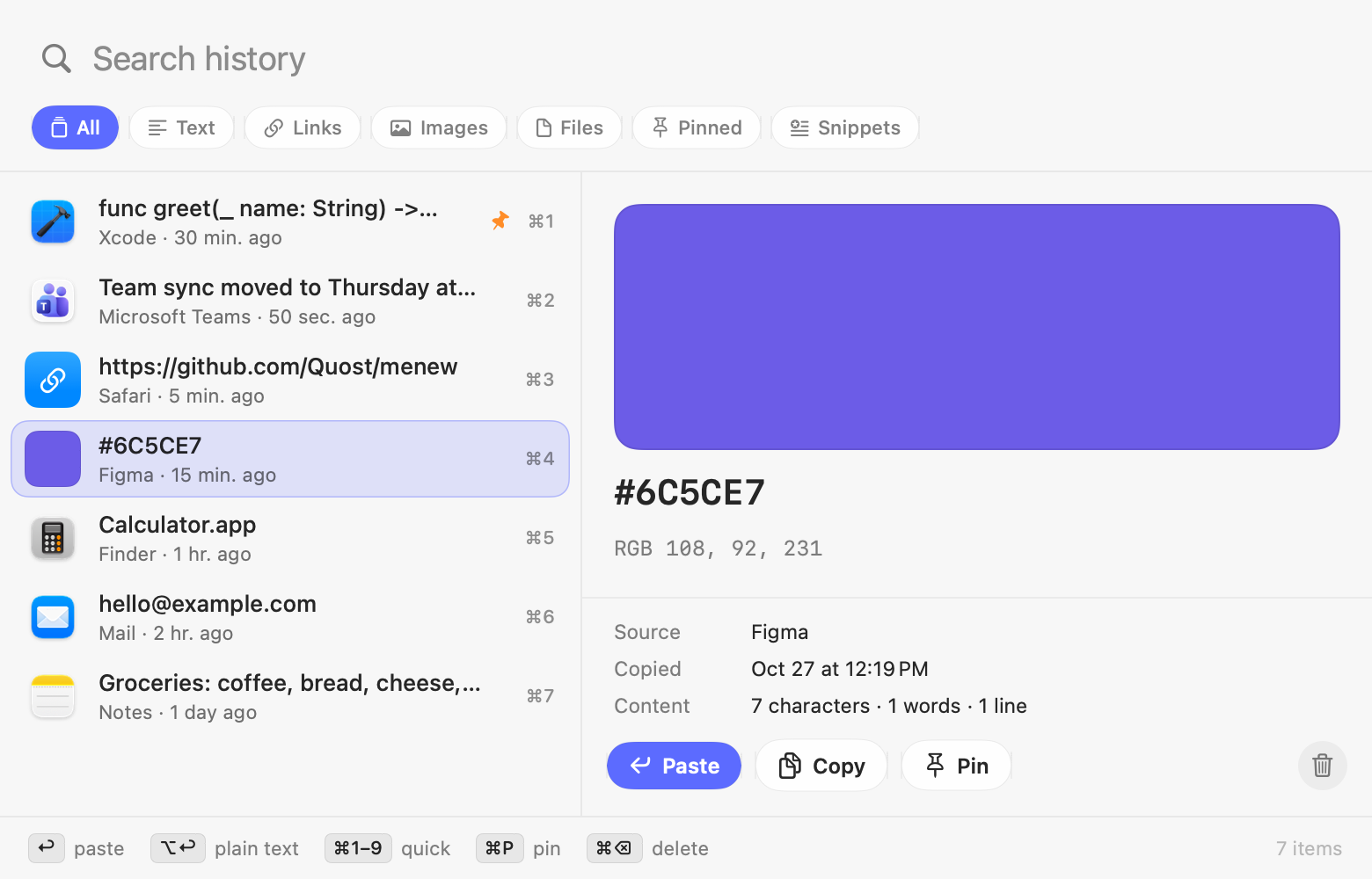
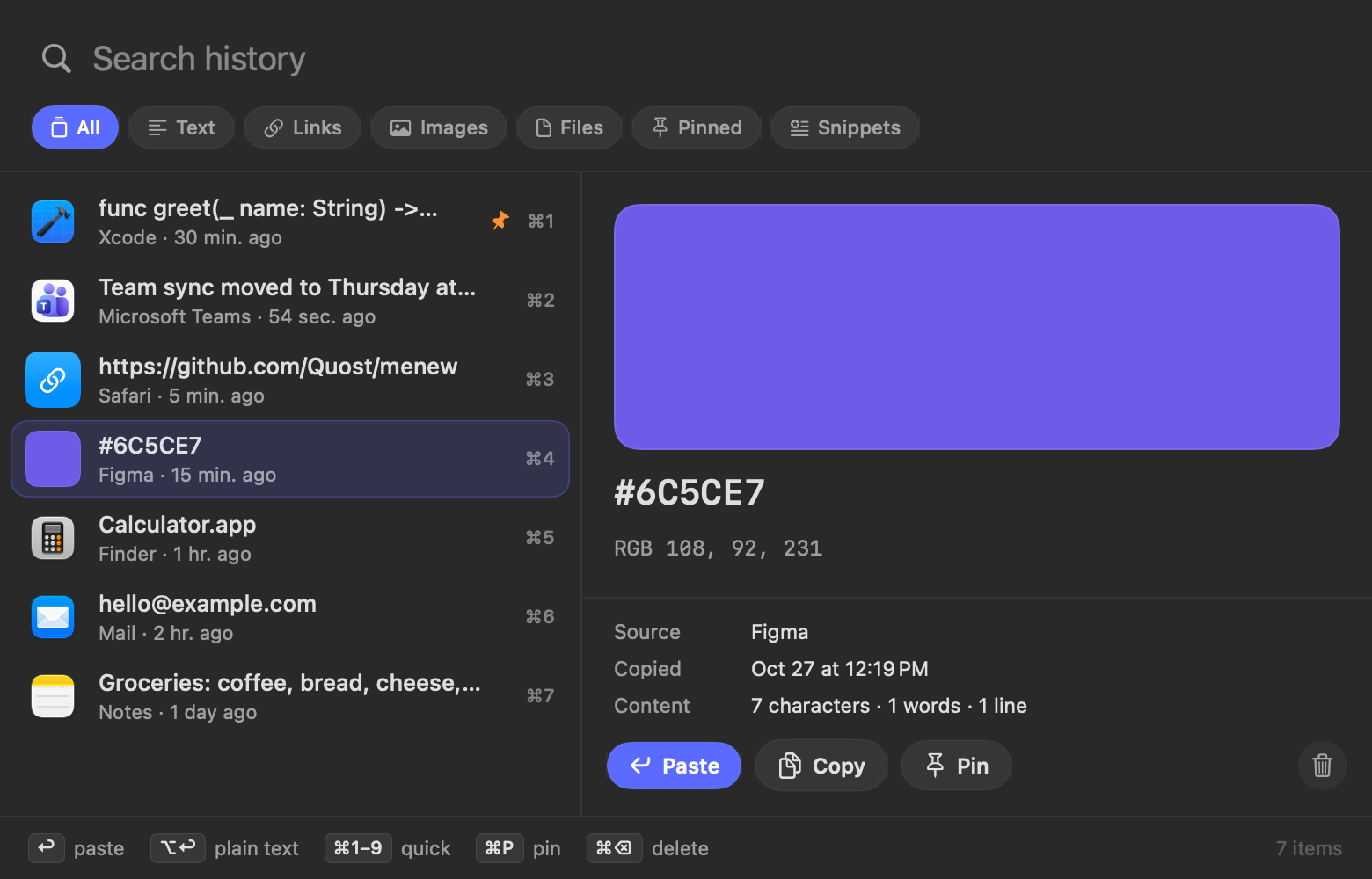
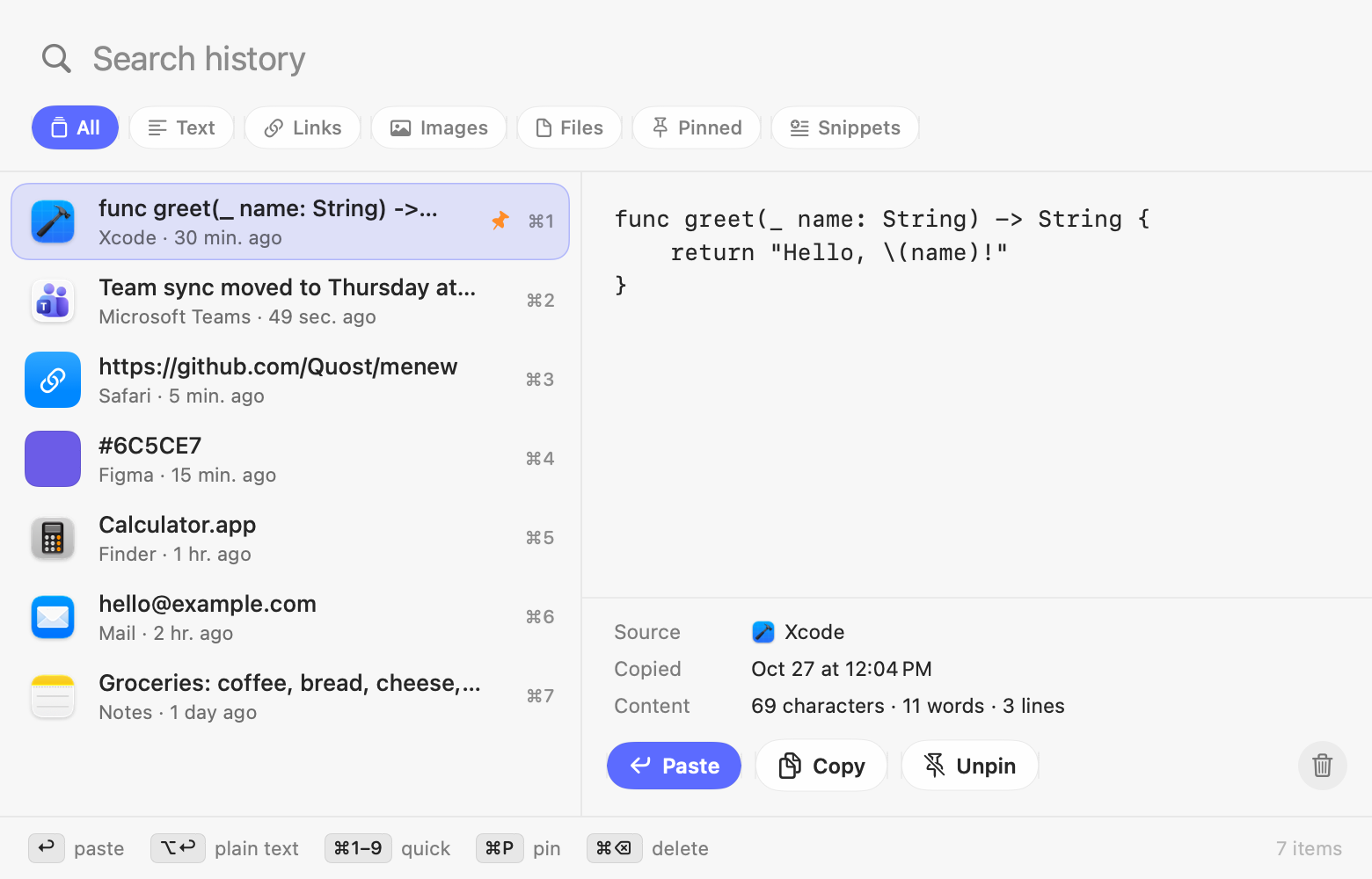
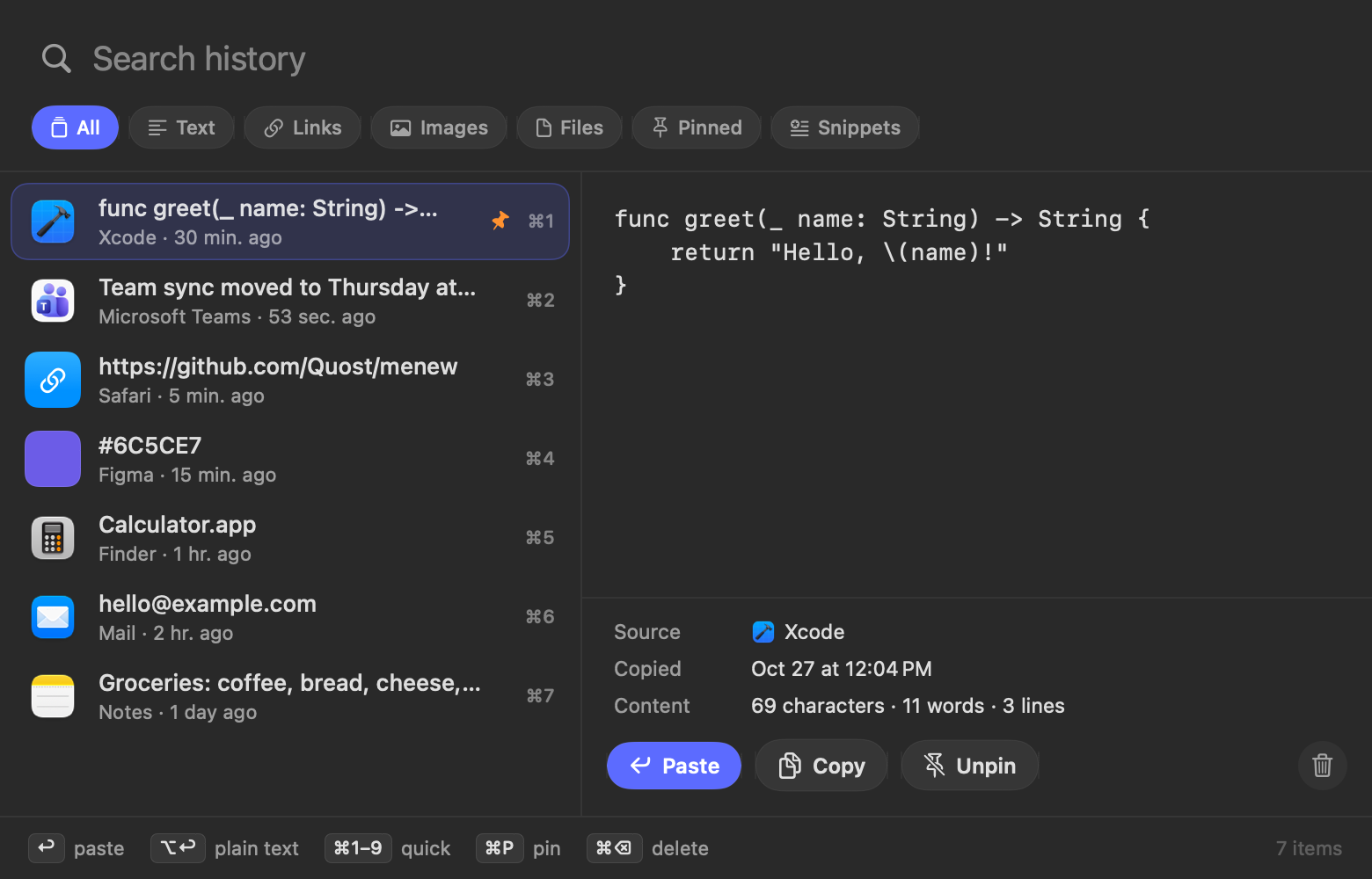
Clipboard history panel with search, filters and preview Clipboard history panel with search, filters and preview
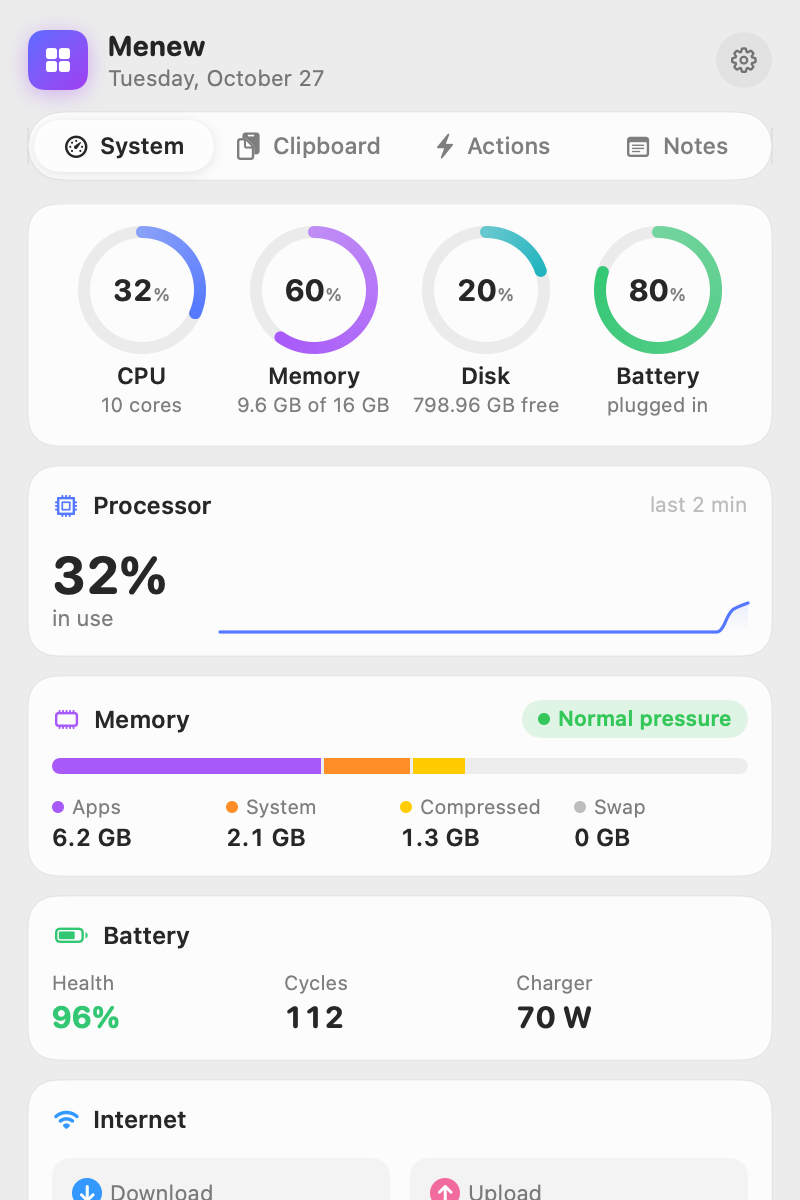
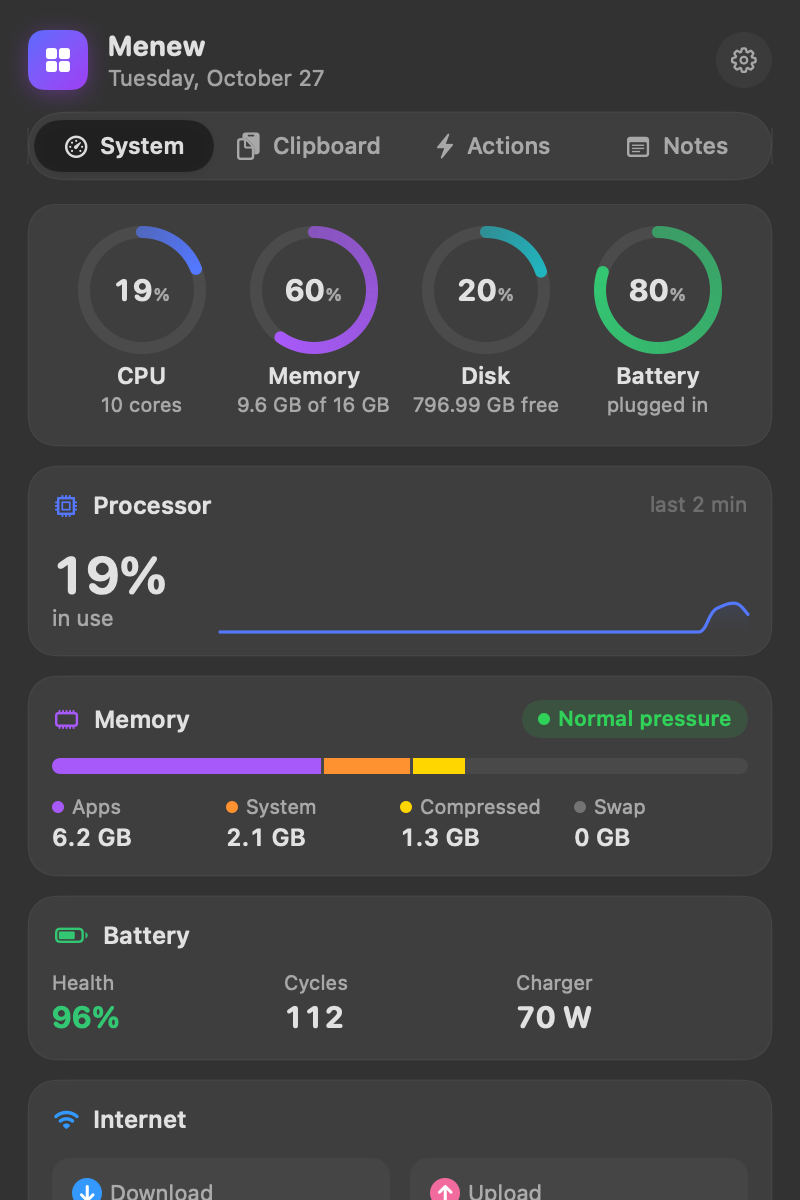
System monitor with CPU, memory, disk and battery rings System monitor with CPU, memory, disk and battery rings
Everything in one place

The little things you do every day,
one click away.

Menew replaces a handful of paid menu bar utilities with one fast, native app built in Swift. With the Liquid Glass look of macOS 26.

System monitor

CPU with live graph, memory pressure and swap, disk, battery health and cycles, and the busiest processes, which you can quit in one click. Optional alerts, and you choose what shows in the menu bar.

Clipboard history

Text, links, images and files. Instant search, filters, pins and a rich preview. Opens with ⌘⇧V.

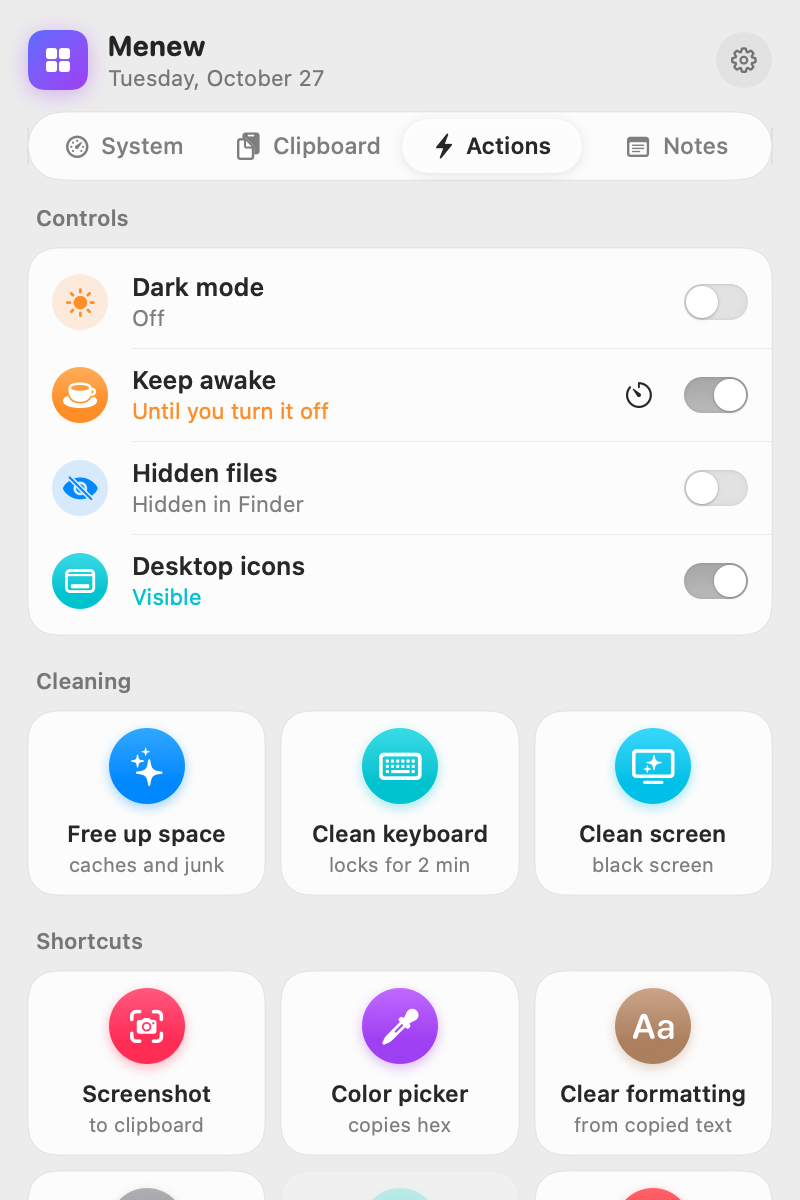
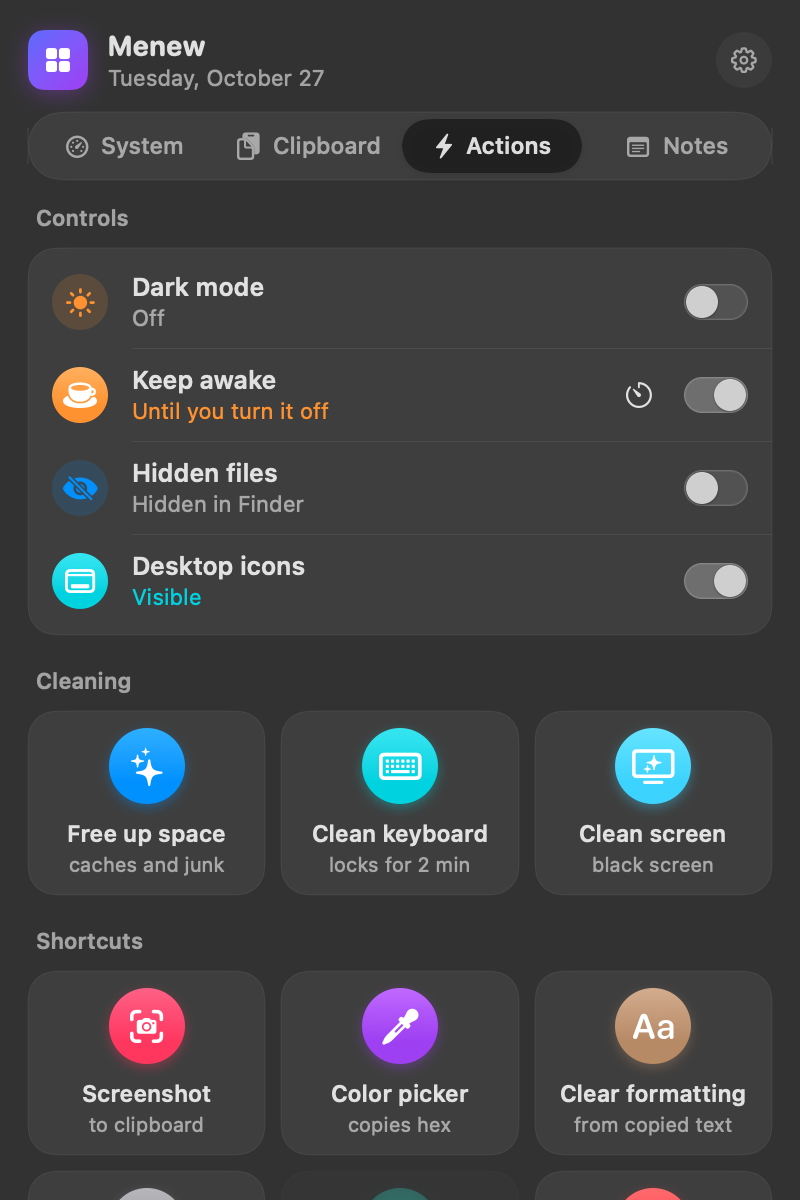
Quick actions

Switches that show what's on right now: dark mode, keep awake with a timer, hidden files, desktop icons. Plus color picker, screenshot to clipboard, eject disks and more.

Free up space

Clear caches, logs and developer junk in seconds. A deep scan finds old downloads and large files for you to review.

Internet

Live download and upload, local and public IP, and a real speed test powered by macOS itself.

Notes, snippets & devices

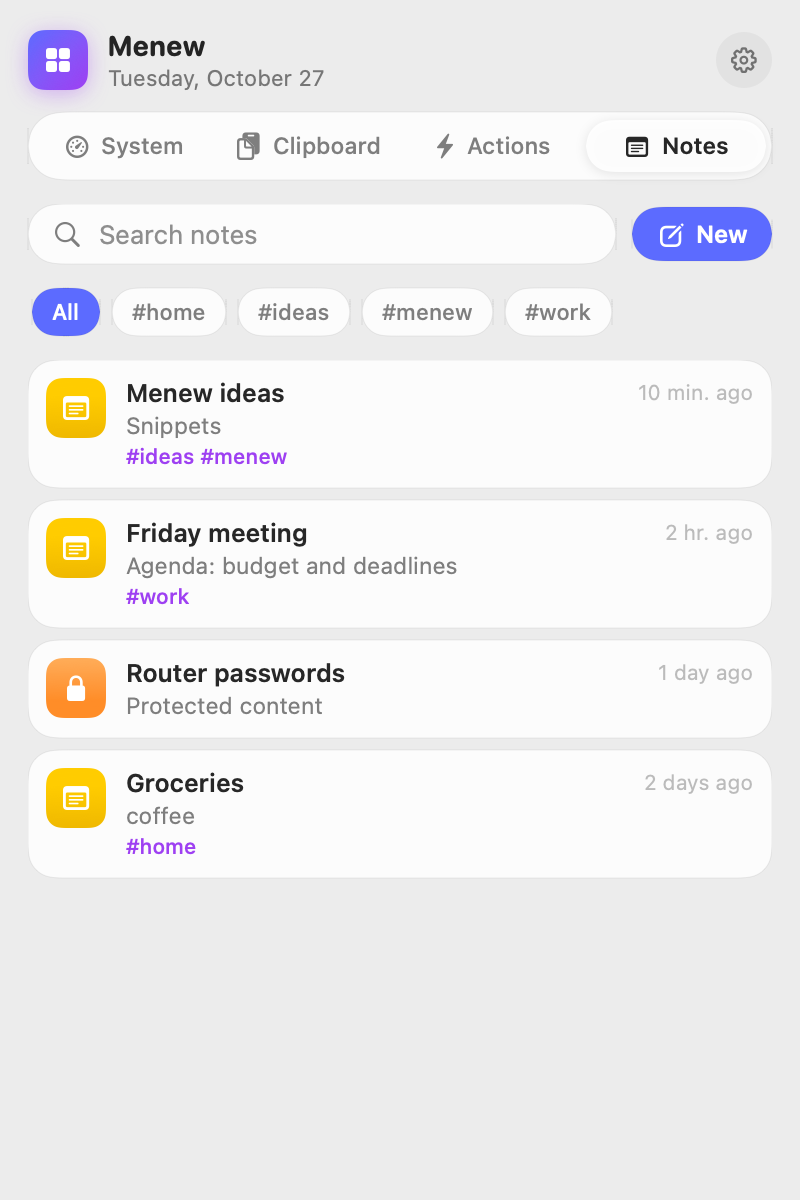
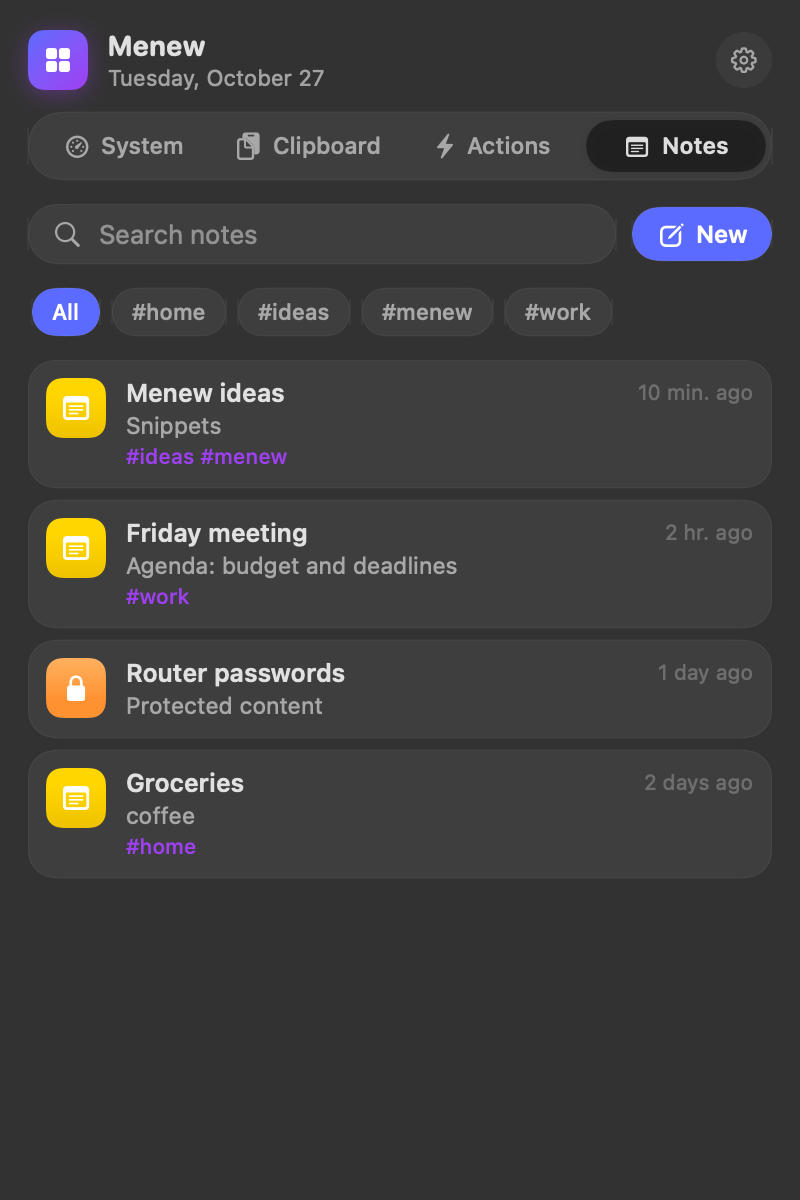
Notes with #tags and Markdown checklists, protected notes that open with Touch ID, and reusable snippets in ⌘⇧V.
Clipboard history

Never lose something you copied.

Press ⌘⇧V anywhere, type a few letters and hit return. It pastes straight into the app you were using.

  • Smart previews — color swatches for hex codes, link previews, images and file icons.
  • Filters & pins — jump between text, links, images and files; keep favorites on top.
  • Password-safe — ignores anything marked as a password by 1Password, Keychain and friends.
⌘⇧V open ⌘1–9 quick paste ⌥↩ plain text
Clipboard preview of a color Clipboard preview of a color
Quick actions

Toggles you'd otherwise Google every time.

Show hidden files, hide the desktop, keep the Mac awake for an hour or pick a color from anywhere on screen — without opening Terminal. Every switch shows its current state.

  • Clean keyboard — every key is blocked for 2 minutes, unlock with a click.
  • Clean screen — pure black on every display, double-click to exit.
  • Screenshot to clipboard — it lands right in your history.
Quick actions grid Quick actions grid Quick notes Quick notes
Privacy

Your data never leaves your Mac.

Menew is open source, so you don't have to take our word for it.

No telemetry

The app sends nothing about you: no analytics, no tracking, no account. Ever.

Local storage

History and notes live in ~/Library/Application Support/Menew.

MIT licensed

Read it, fork it, improve it. Pull requests welcome.

Make your menu bar work for you.

Free forever. Takes ten seconds to install.

  1. Download Menew.dmg with the button above.
  2. Open it and drag Menew into Applications.
  3. Open Menew. It lives in your menu bar; press ⌘⇧V for the clipboard.

macOS 14 or later · Apple Silicon & Intel · Signed and notarized by Apple

brew tap quost/menew https://github.com/Quost/menew
brew trust quost/menew
brew install --cask menew

Newer Homebrew versions ask you to trust third-party taps once.

git clone https://github.com/Quost/menew
cd menew
./build.sh --install

Needs Xcode 16 or the Swift 6 toolchain.

Using an AI assistant? Copy a ready-made prompt and paste it into ChatGPT, Claude or your terminal agent.

Menew is made in spare time. If it saves you a few minutes a day:

☕ Buy me a coffee