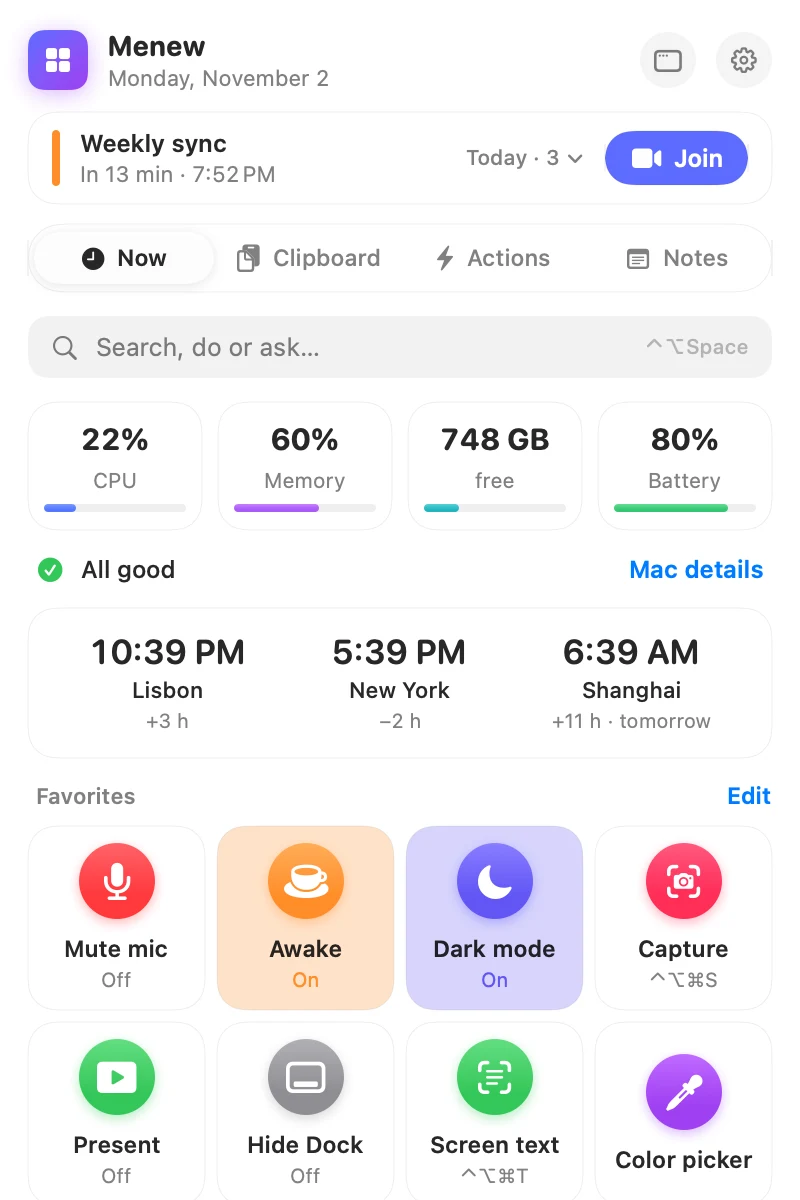
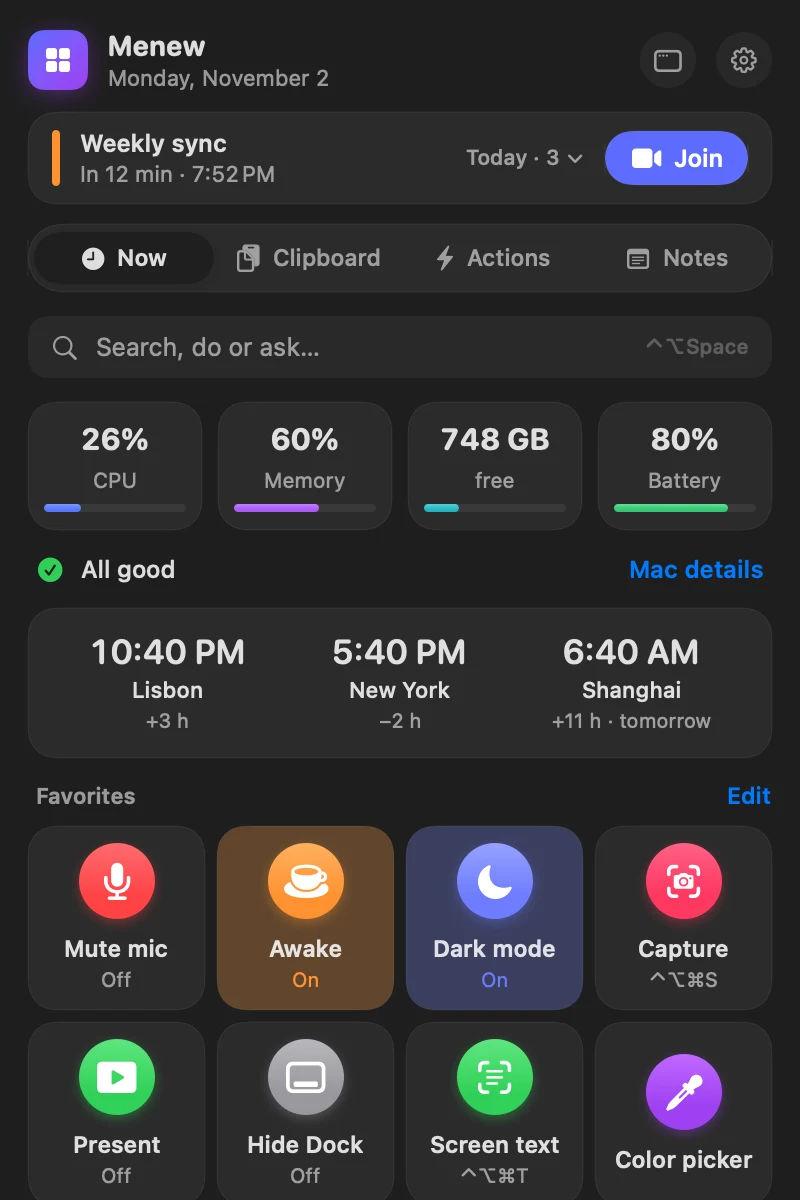
Memory, recordings with minutes, command palette, clipboard, windows, screenshots and system monitor, in one native app with AI running on your Mac. Free, no account, no telemetry.
The features that save the most time, all on your Mac.
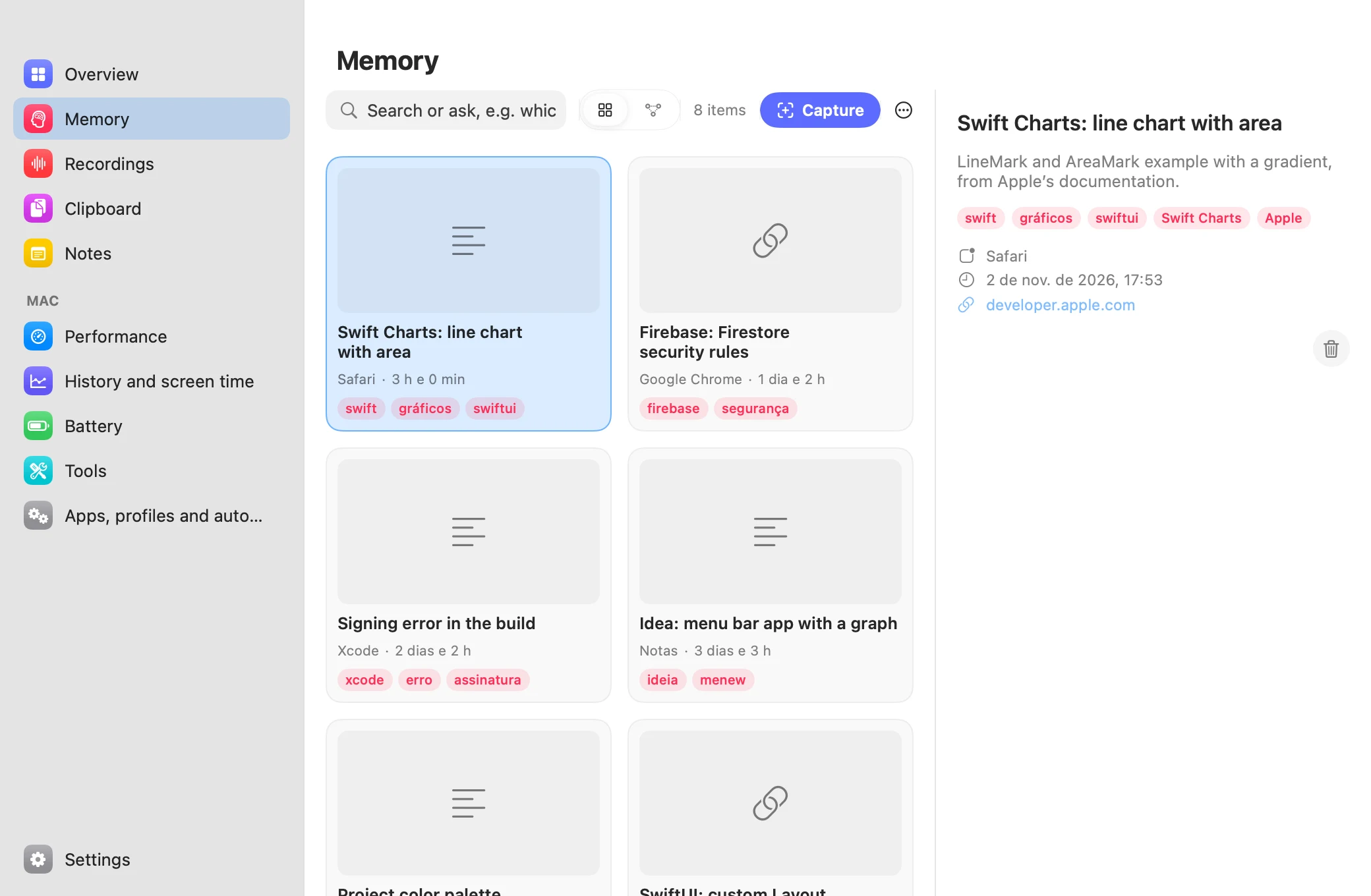
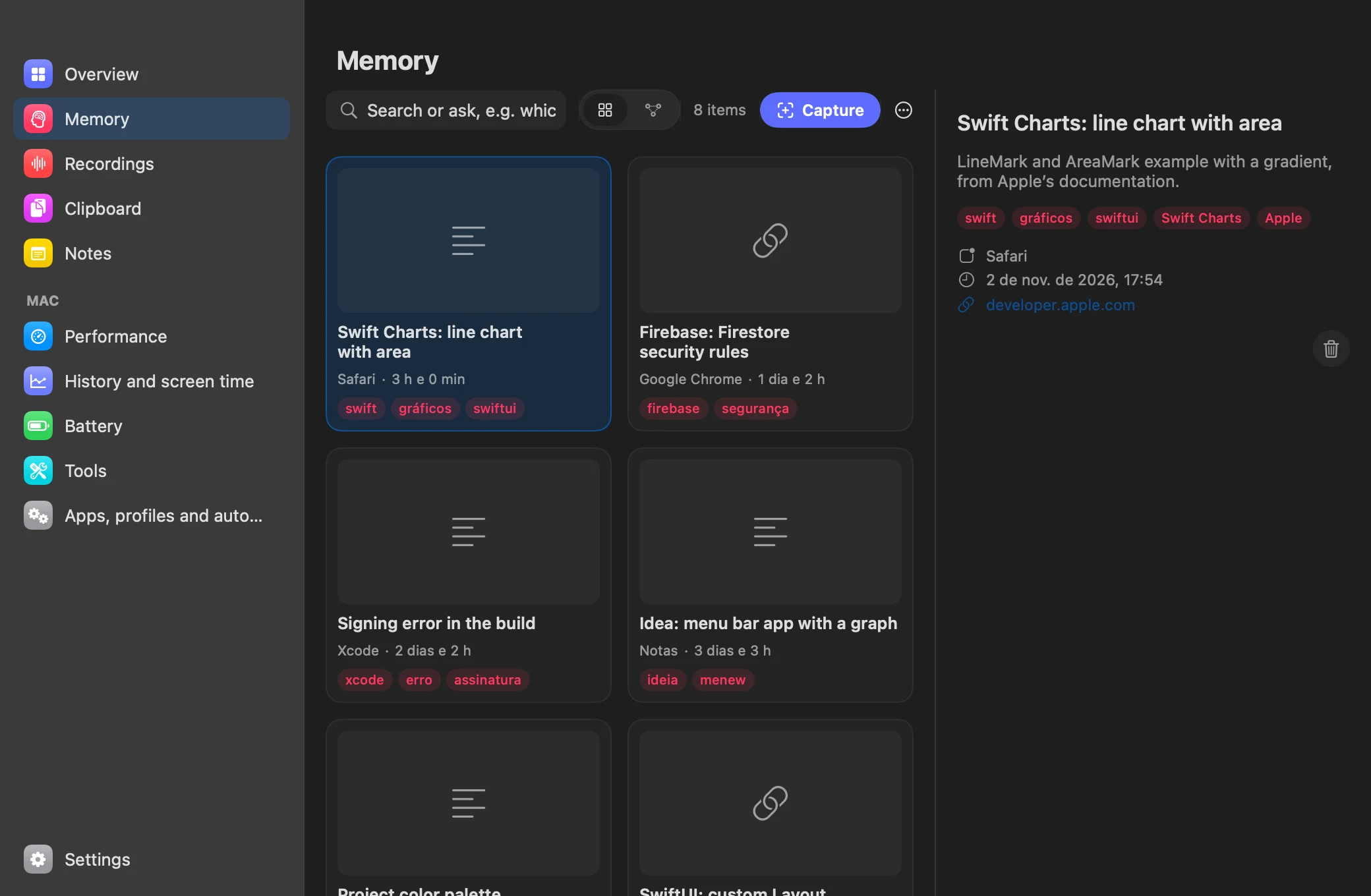
Press ⌃⌥⌘K and what’s on screen is saved, with its text, app and link. Later, just ask.
Summarizes, rewrites, translates and explains with Apple’s model, running on your Mac. No key, no account, no cloud.
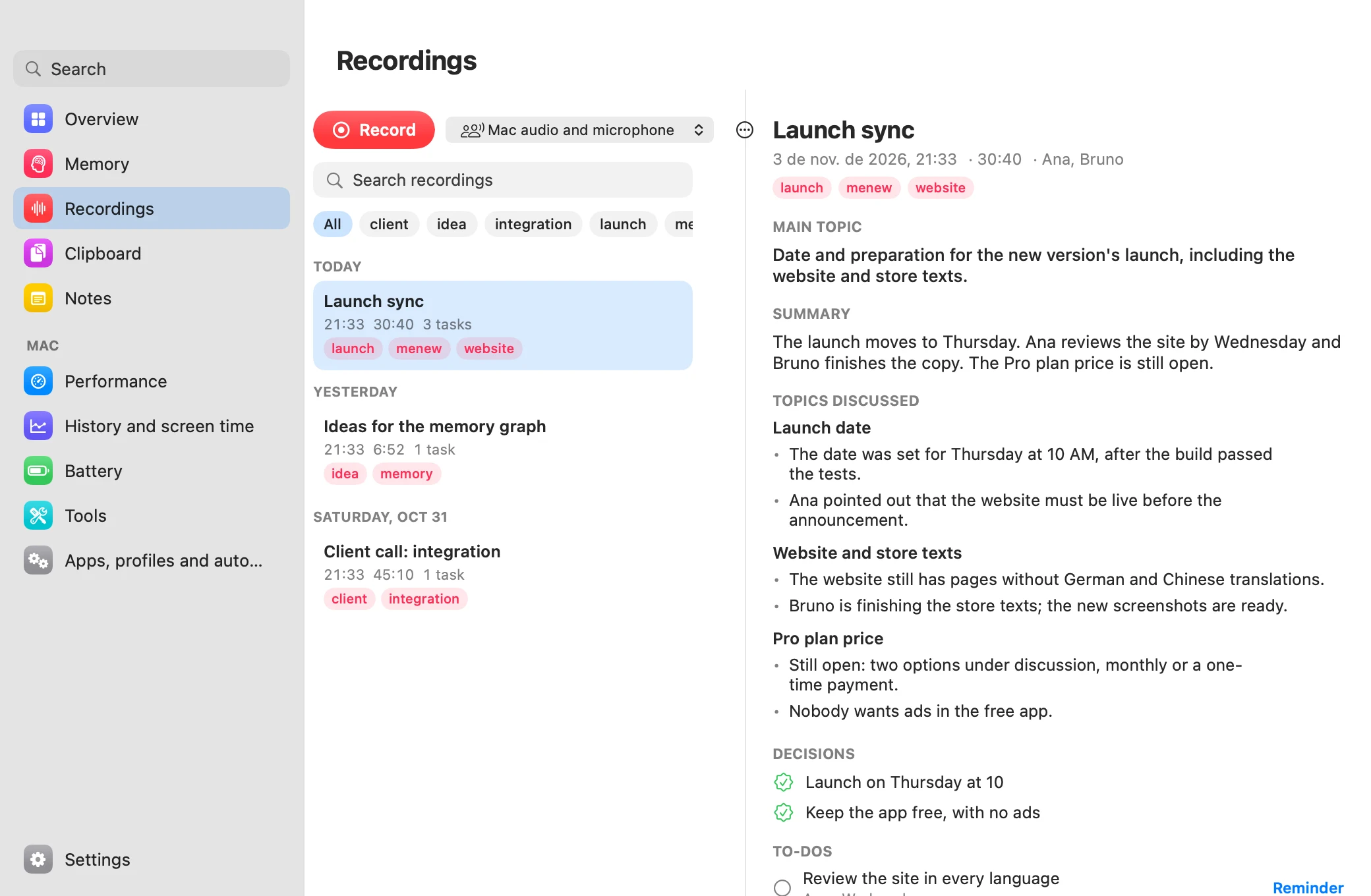
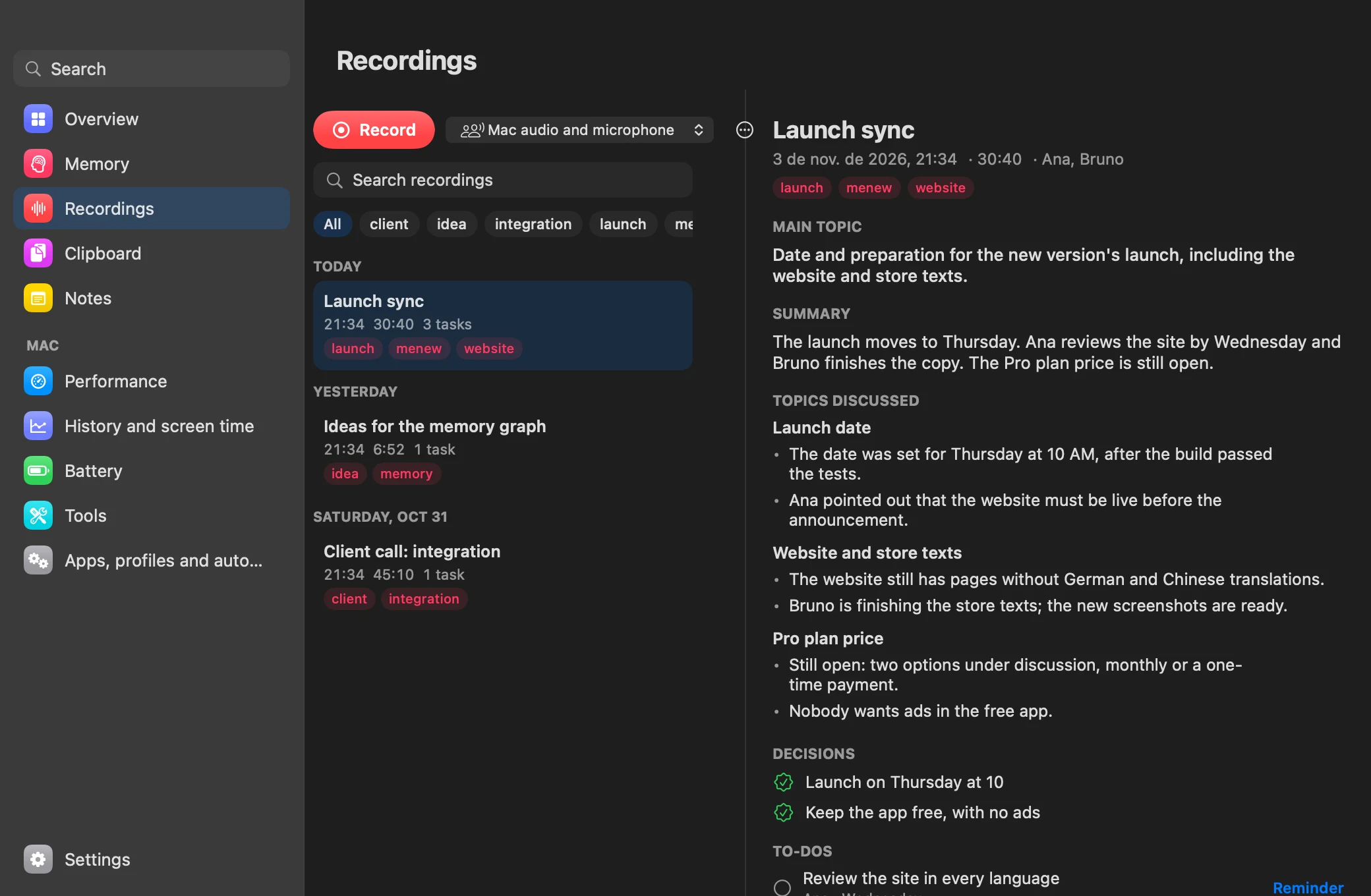
Press ⌃⌥⌘G in a meeting. Your Mac transcribes it, tells who spoke, and writes the minutes with the tasks.
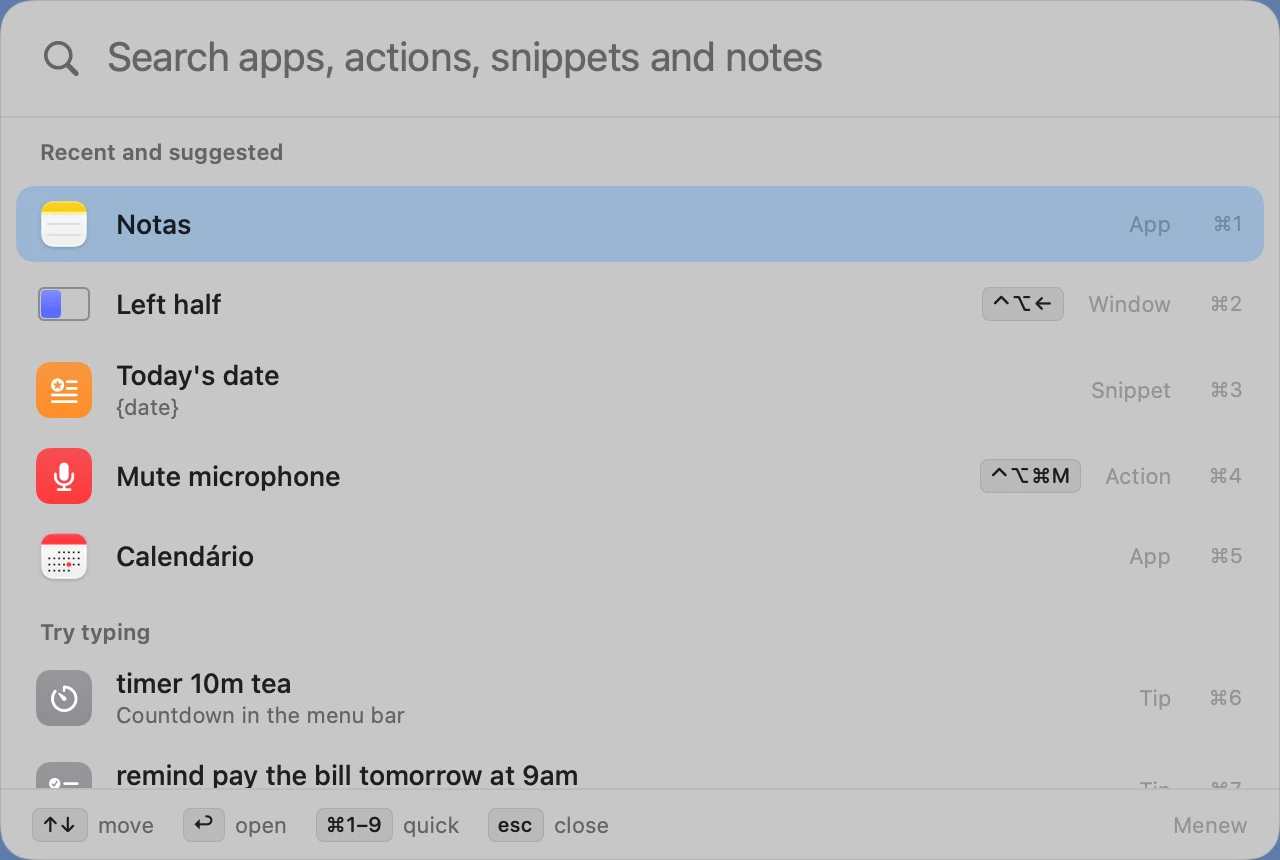
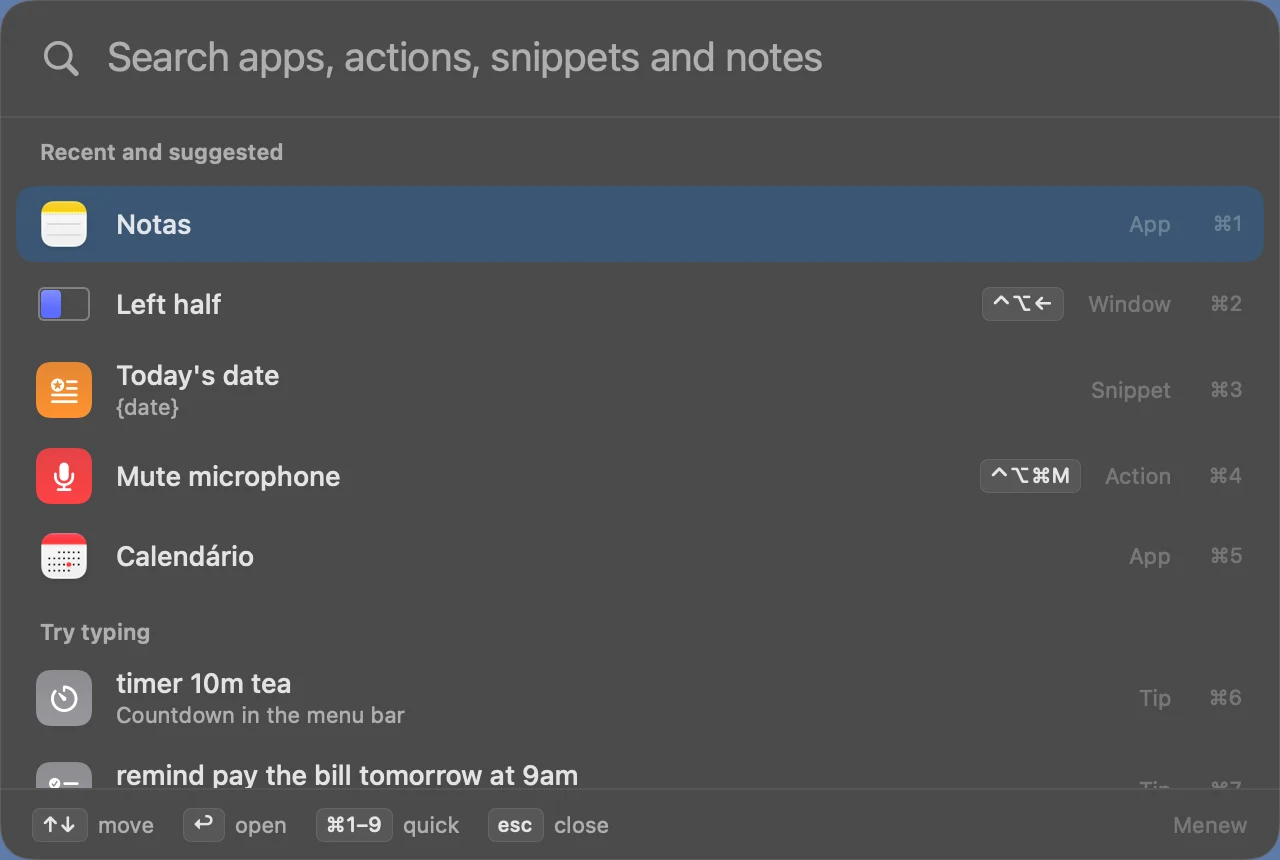
⌃⌥Space opens apps, actions, math, conversions, timers, reminders and your own scripts. Type what you want.
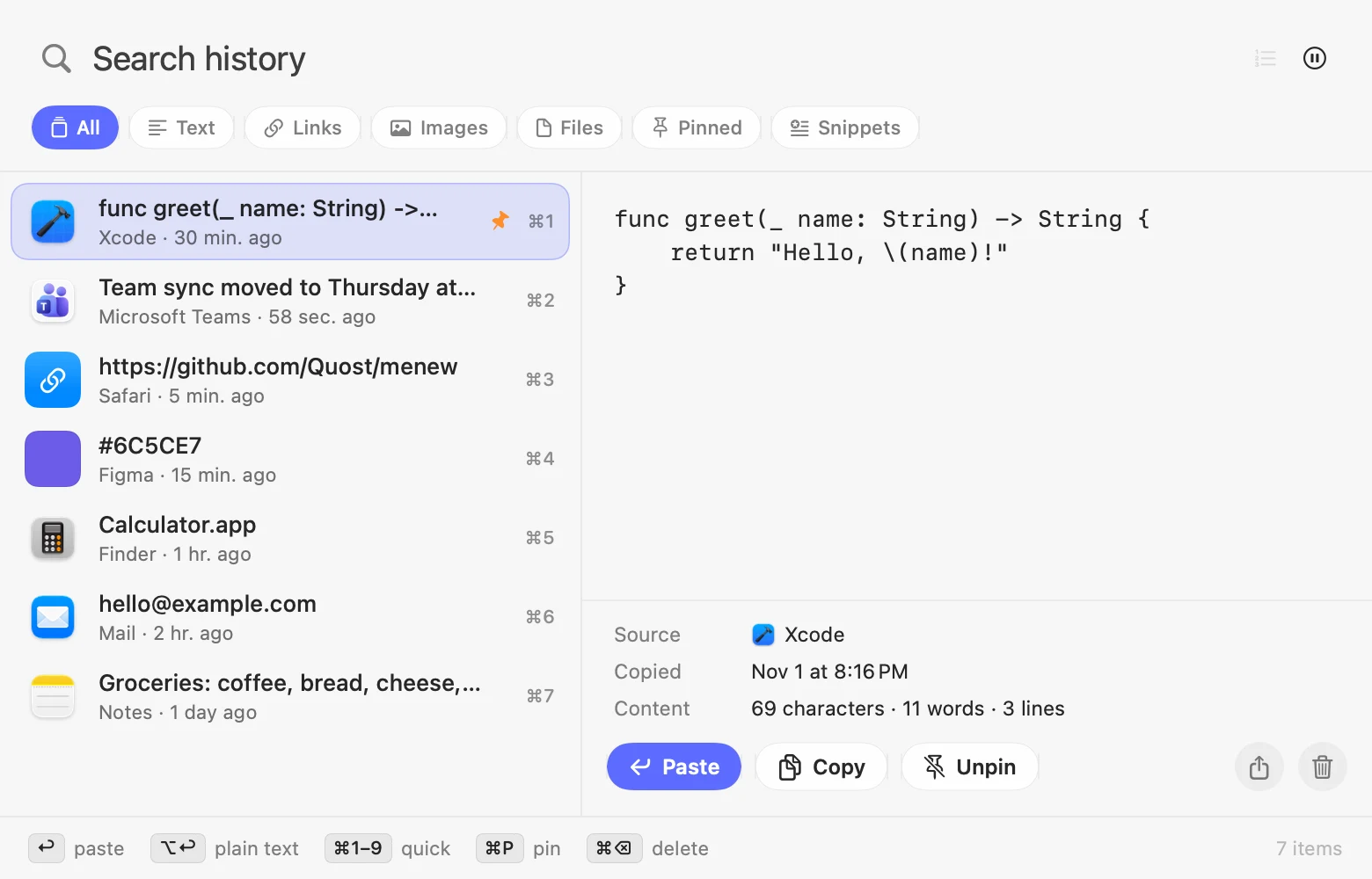
Press ⌘⇧V anywhere, type a few letters and hit return. It pastes straight into the app you were using.
Menew replaces a handful of paid menu bar utilities with one fast, native app built in Swift. With the Liquid Glass look of macOS 26. Use only what you need: turn modules off in Settings. Pin your favorite actions, fold away the rest and find any setting in its own window.
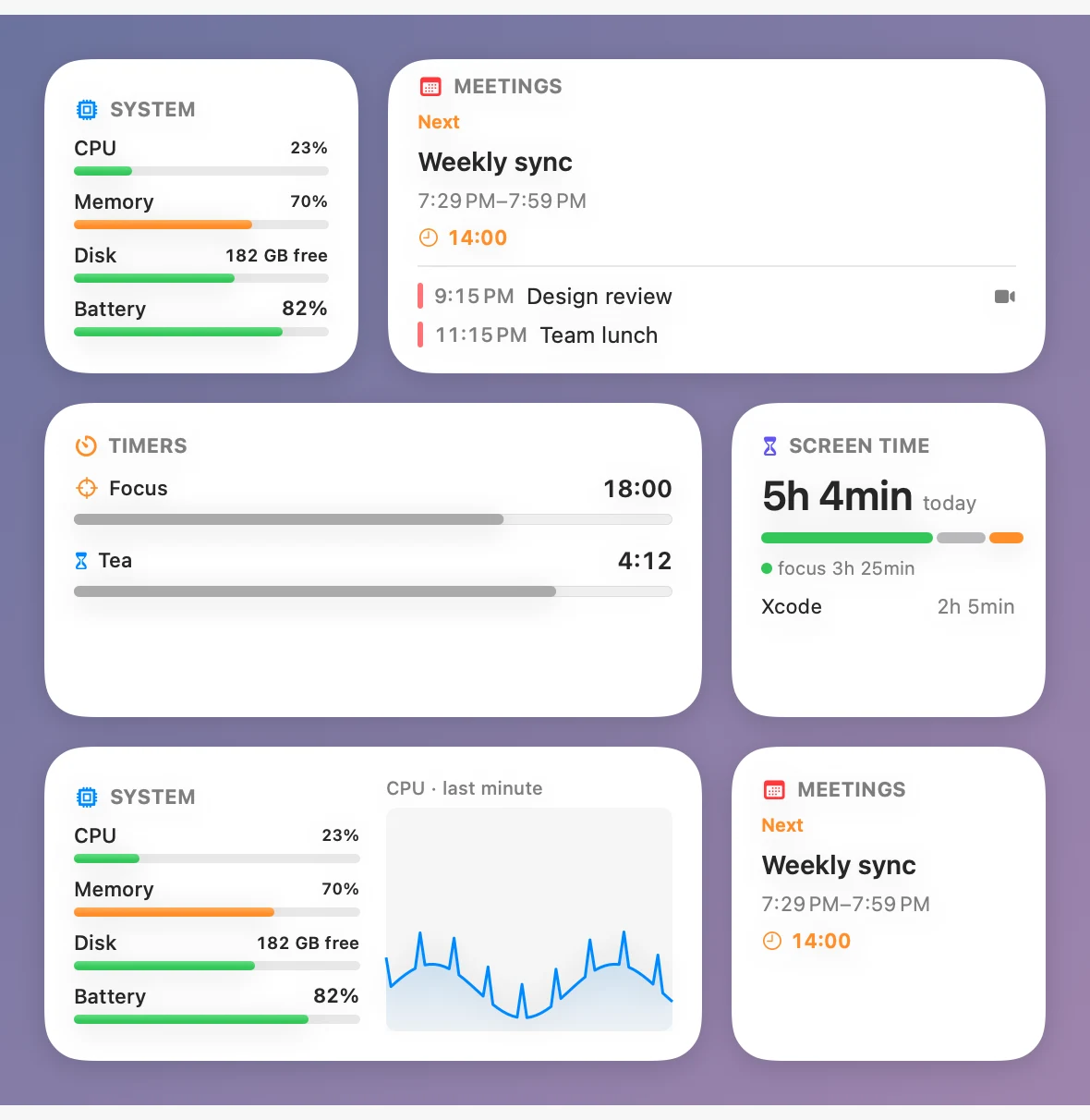
CPU and GPU with live graphs, memory pressure and swap, disk space and read/write speed, battery health and cycles, and the busiest processes, which you can quit in one click.
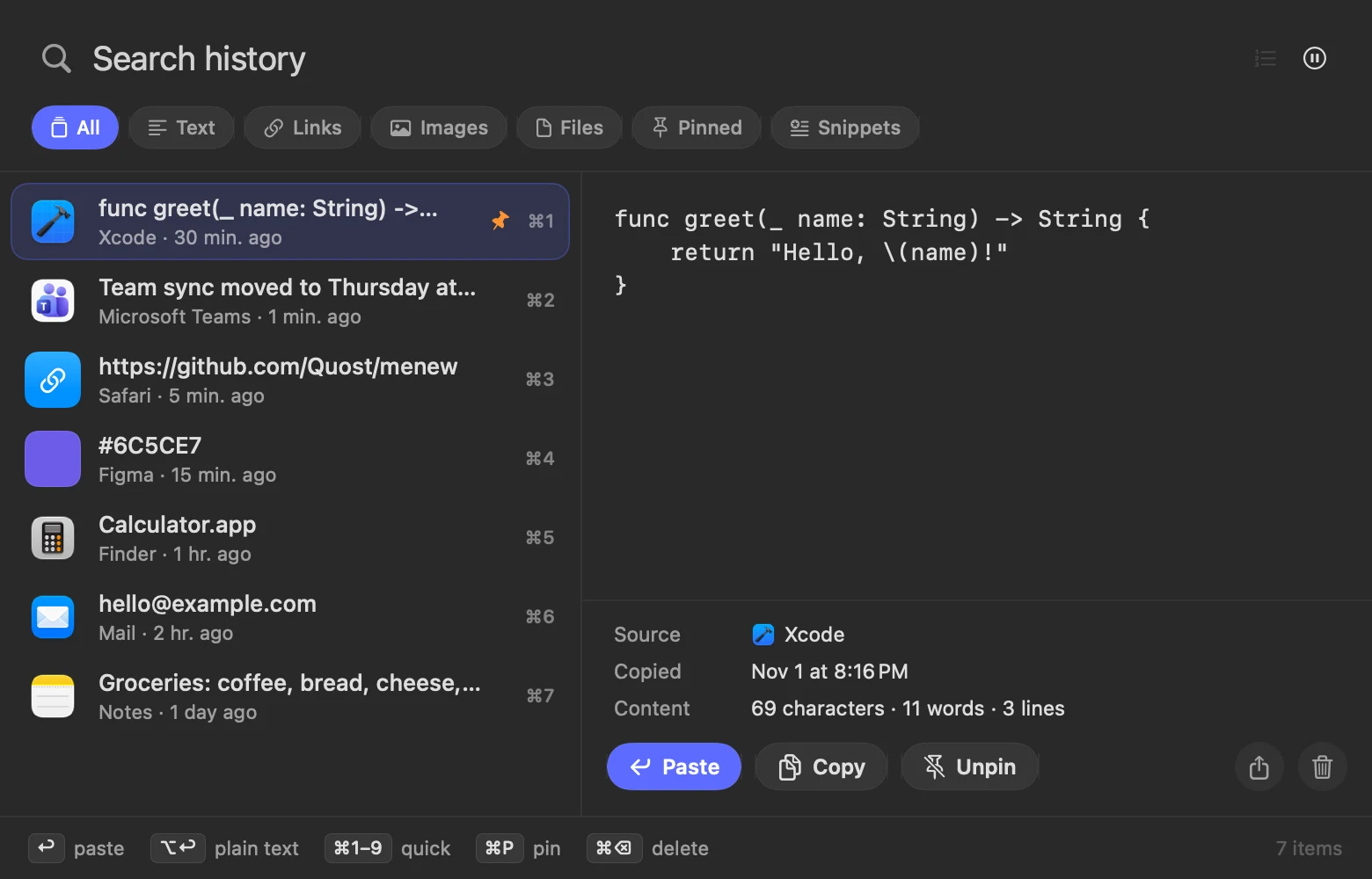
Text, links, images and files. Instant search, filters, pins and a rich preview.
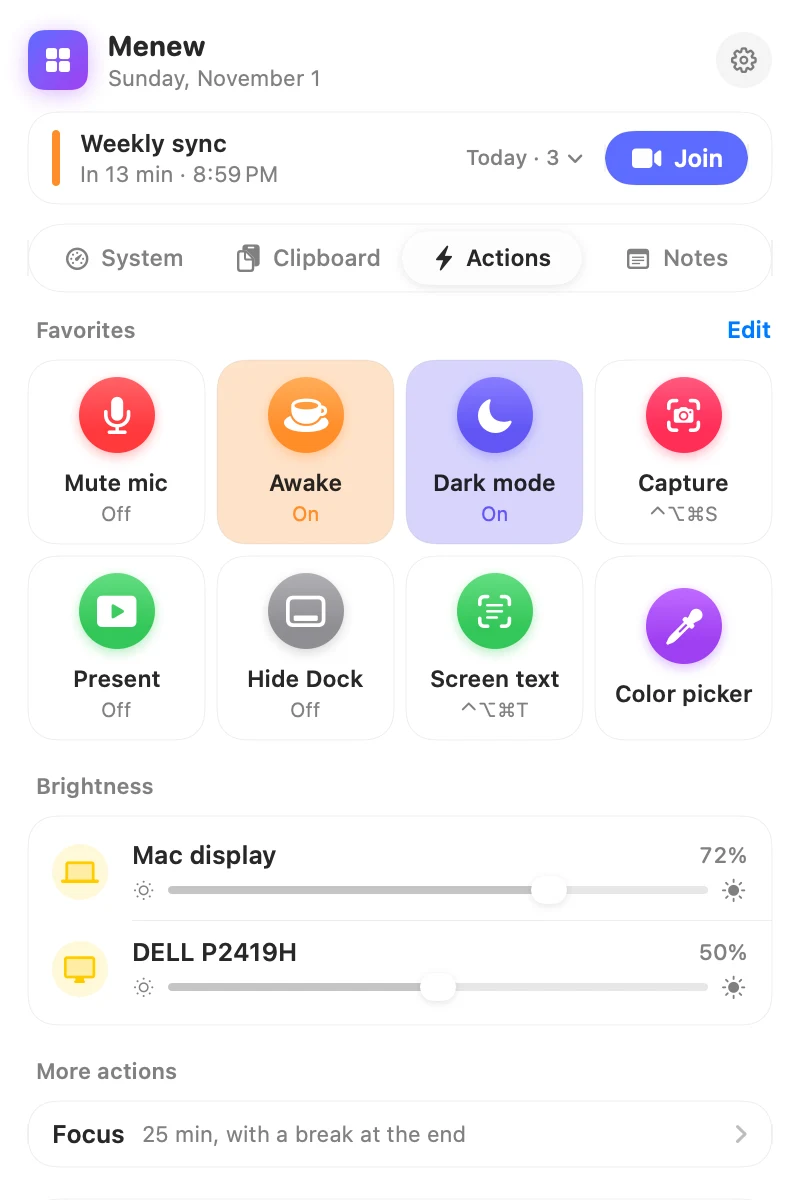
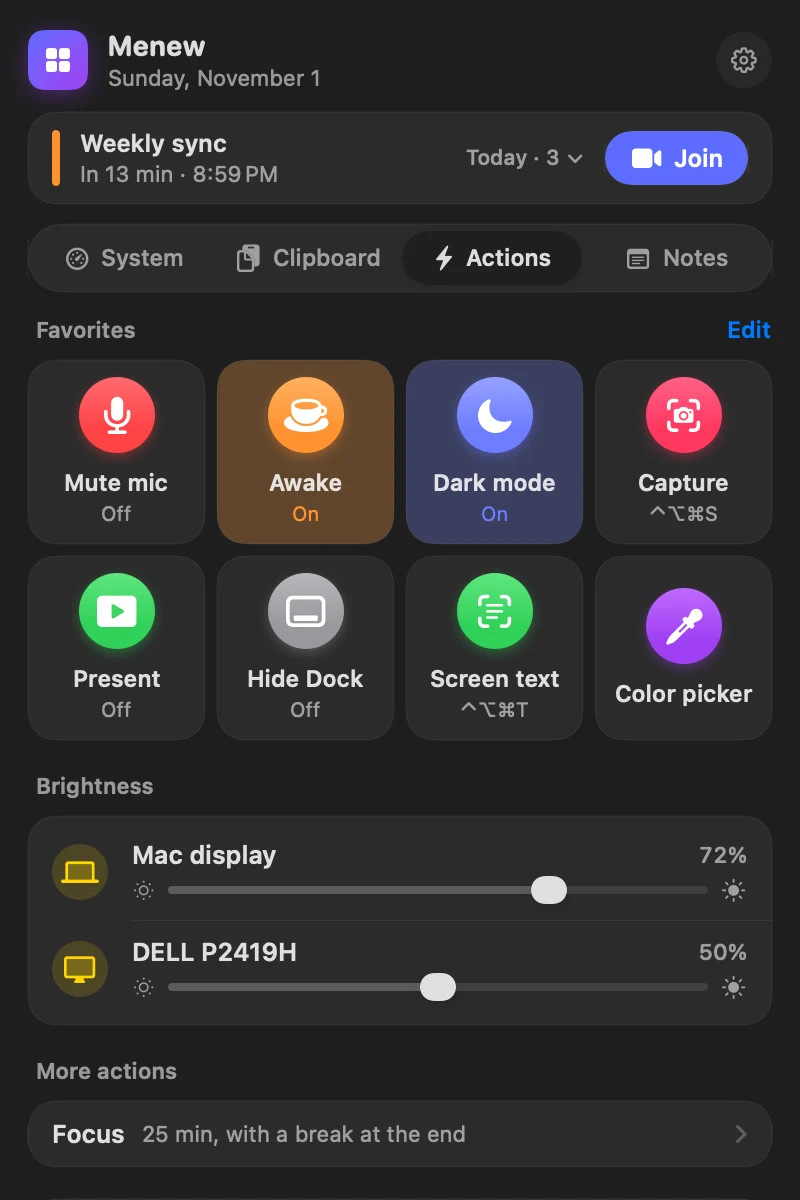
Brightness for every screen, external monitors included. Mute the mic or the sound, hide the Dock, dark mode, keep awake with a timer, hidden files and desktop icons.
Clear caches, logs and developer junk in seconds. A deep scan finds old downloads, large files and duplicate files for you to review. Removed files go to the Trash.
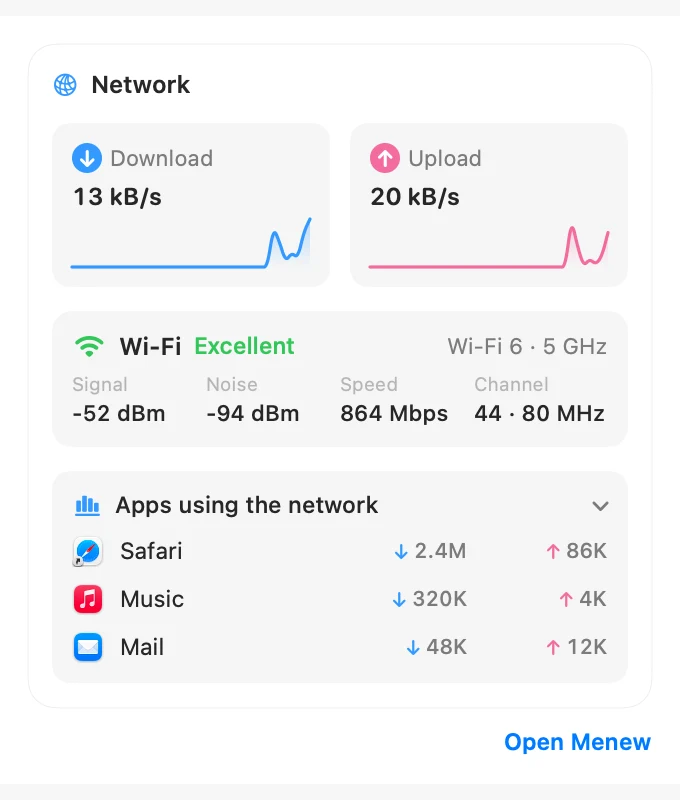
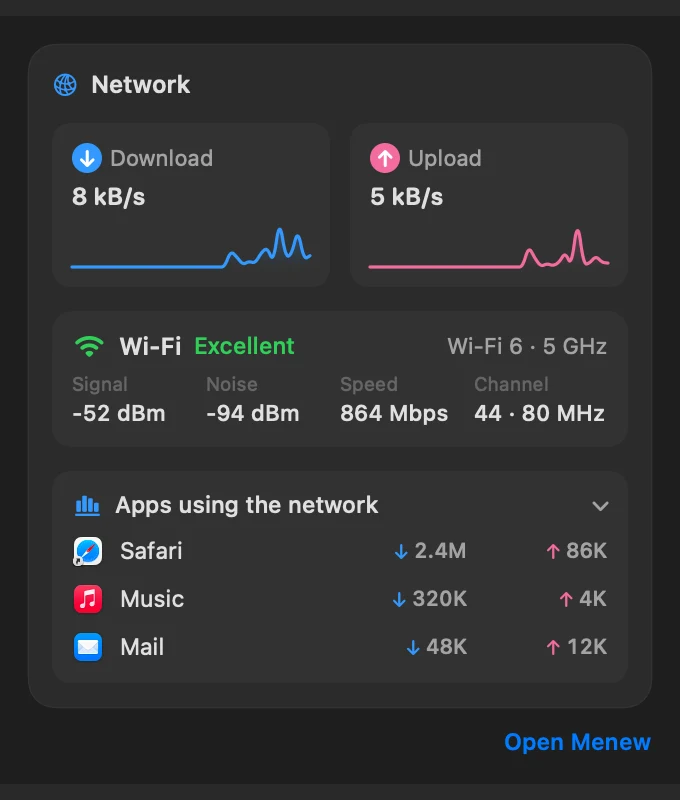
Live download and upload, local and public IP, and a real speed test powered by macOS itself.
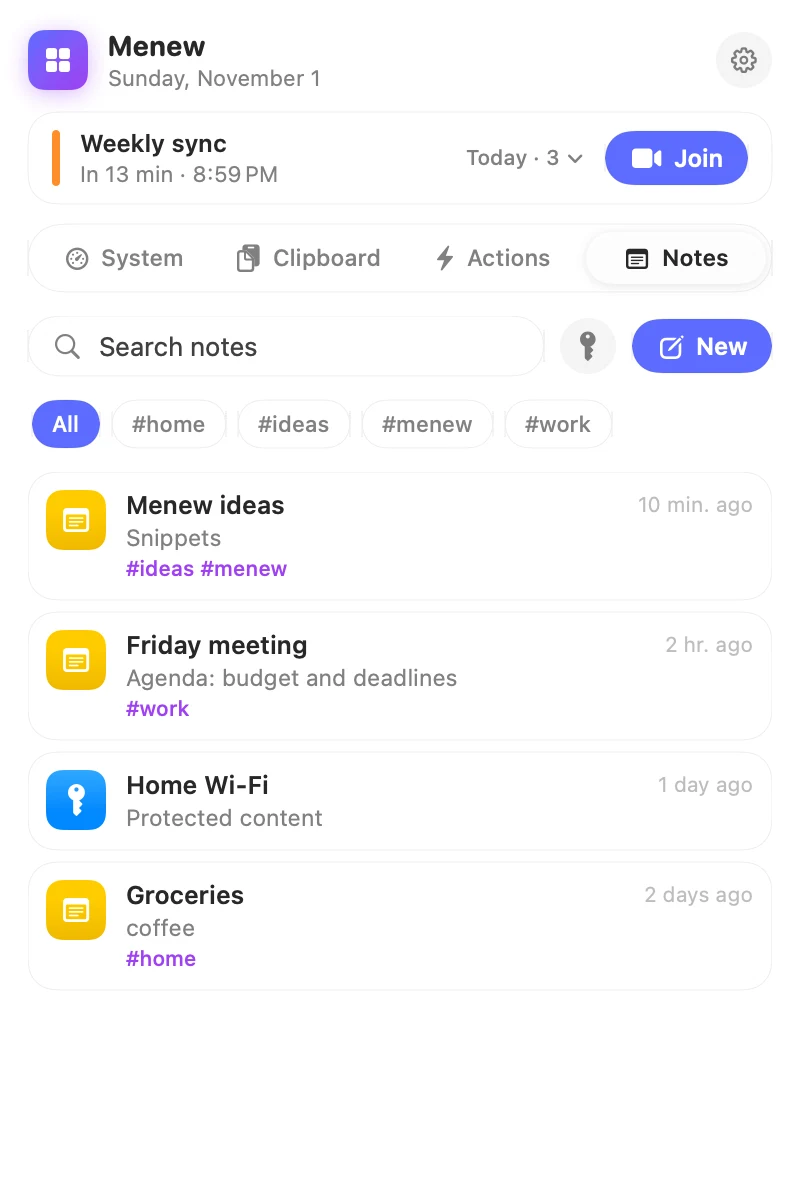
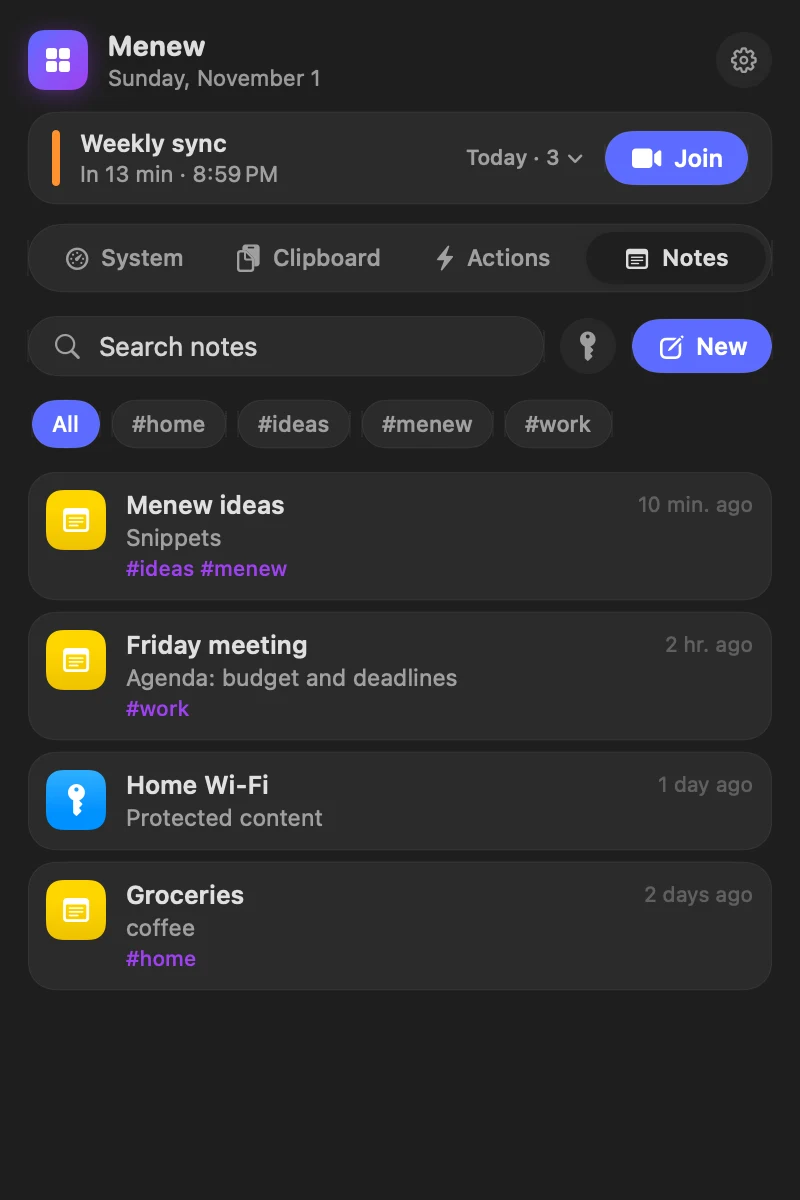
Notes with #tags and Markdown checklists, protected notes that open with Touch ID, password notes with hidden fields you copy in one click, and reusable snippets in ⌘⇧V.
Show hidden files, hide the desktop, keep the Mac awake for an hour or pick a color from anywhere on screen — without opening Terminal. Every switch shows its current state.
The notch, widgets, Siri, and the tools paid utilities charge extra for.


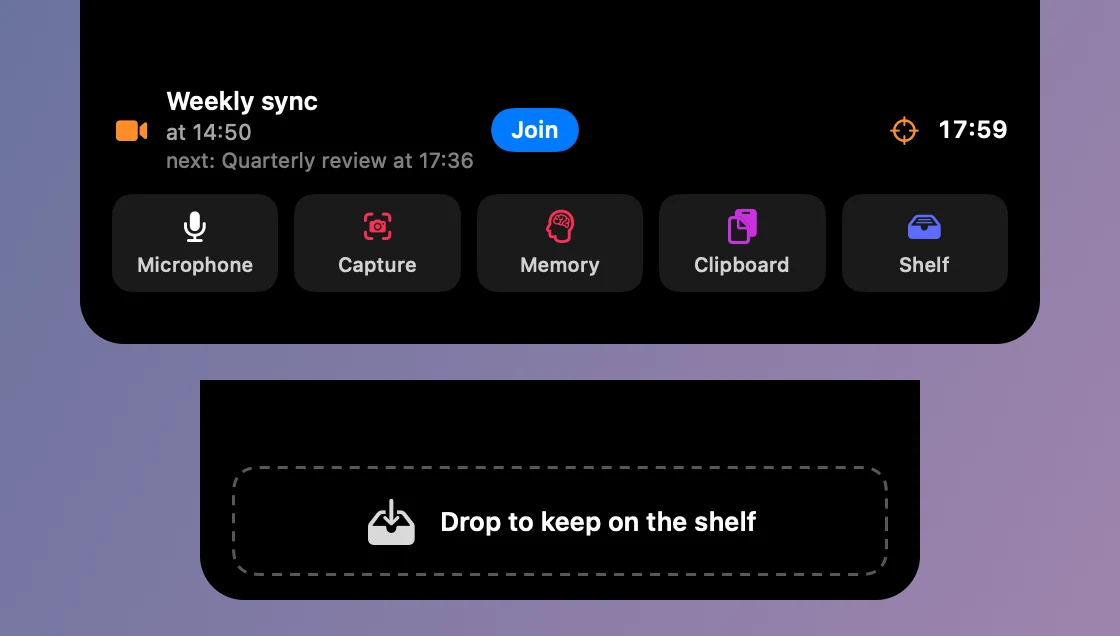
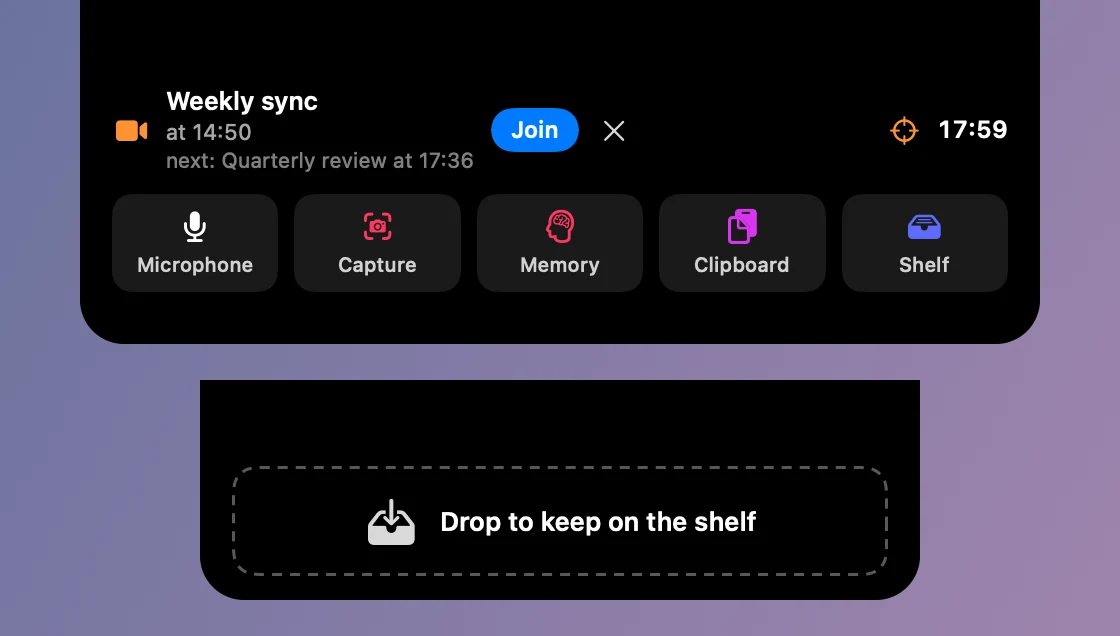
An upcoming meeting with a Join button, recording, timers and a muted mic show next to the camera. Gone when there is nothing to show. Rest the pointer on it for your next meeting, the timer and shortcuts, or drop files on it to keep them on the shelf. In a call, it turns into call controls: the time in the call, mute, record with minutes and live captions.


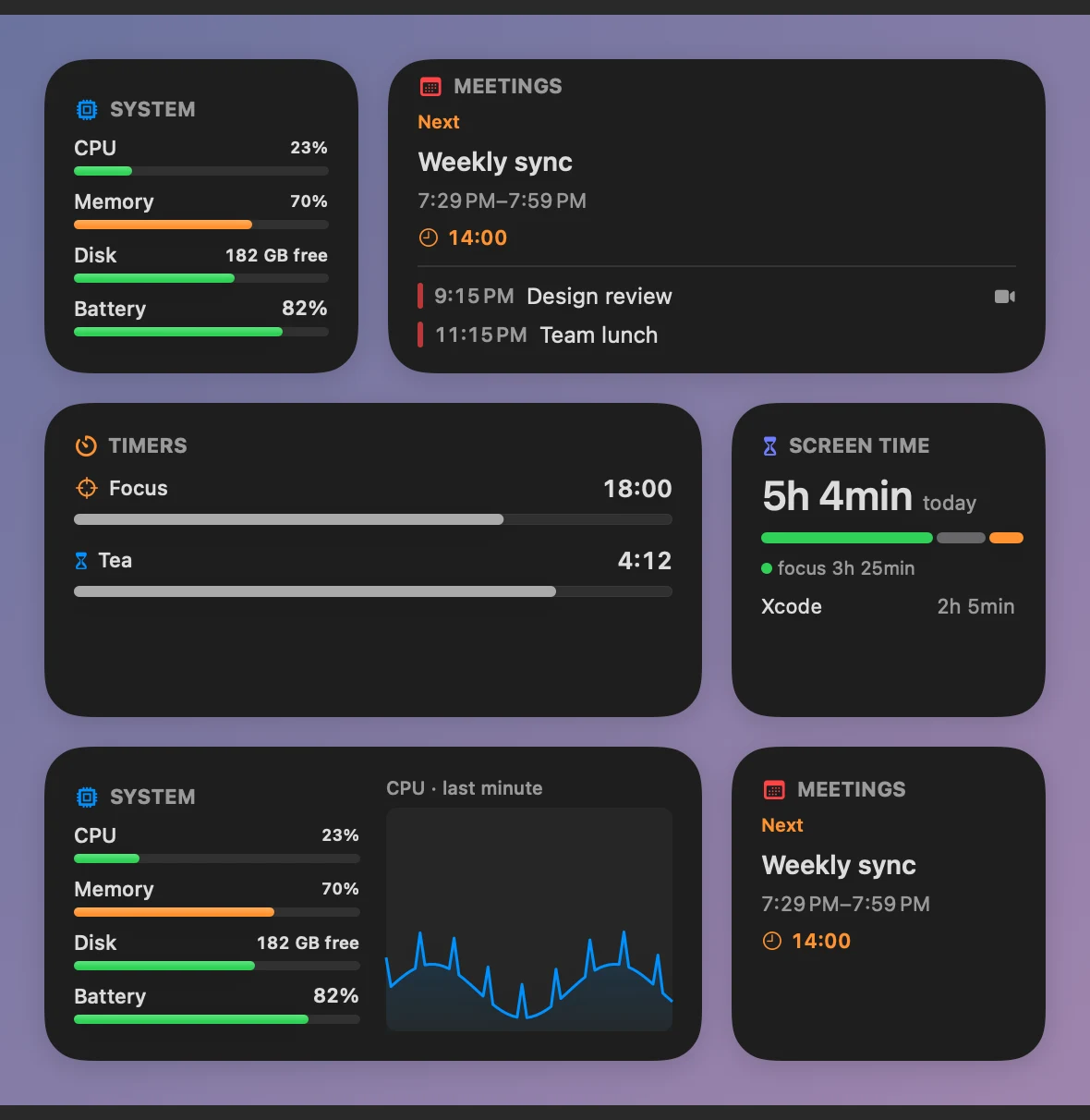
System, meetings, timers and screen time on your desktop or in Notification Center. Click to open Menew.


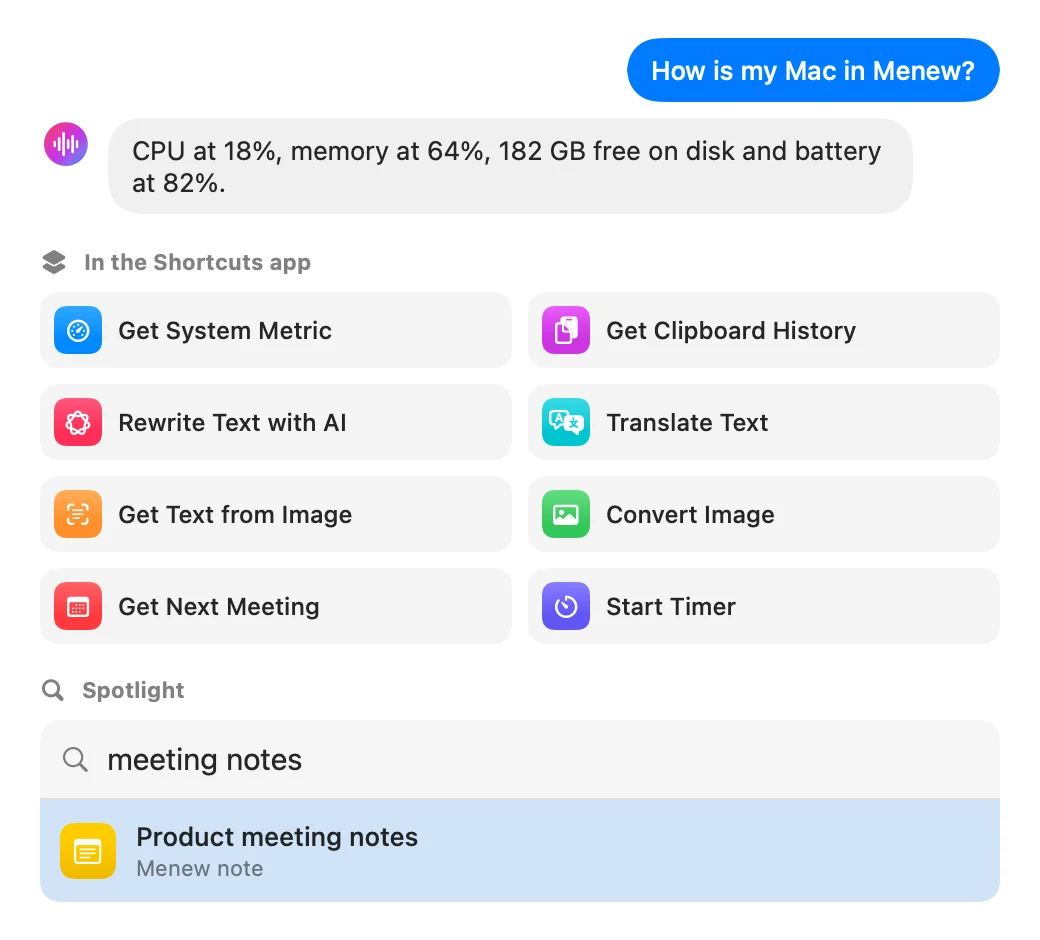
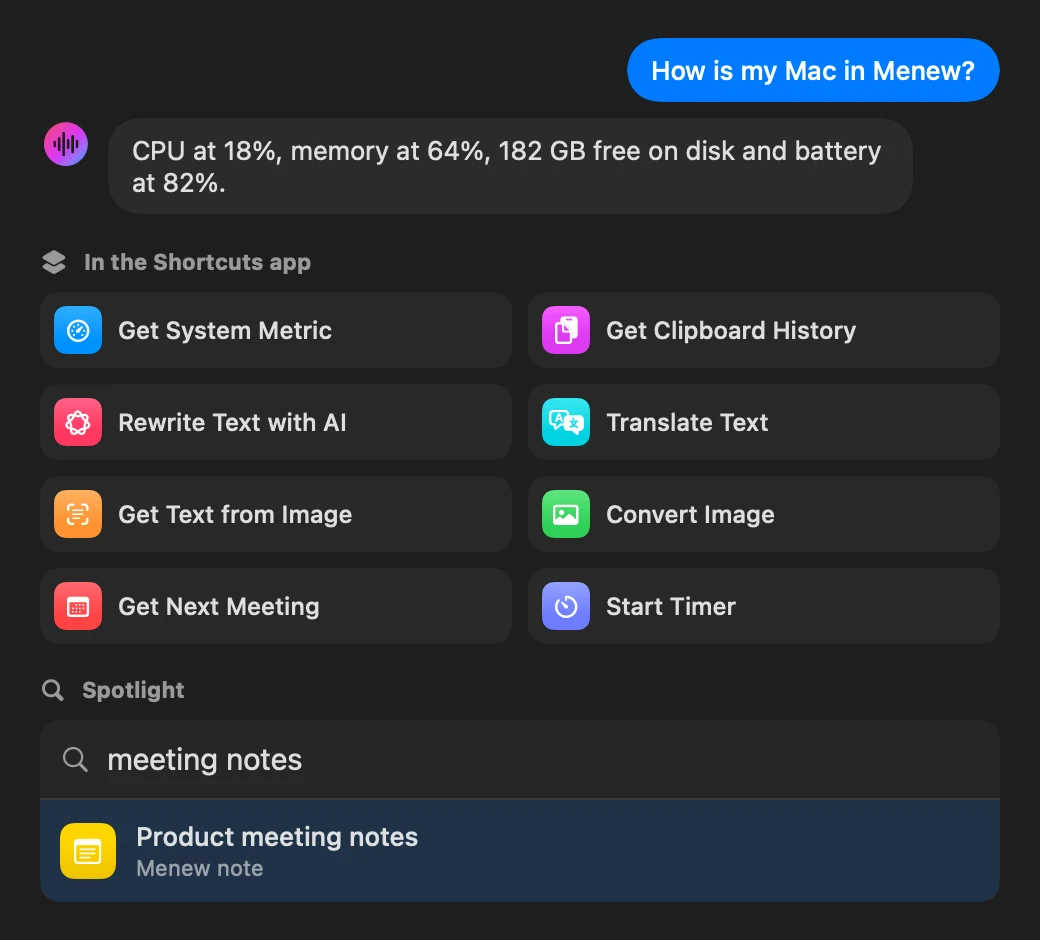
Ask Siri how your Mac is doing, chain 27 actions in the Shortcuts app and find your notes in Spotlight. And Focus filters: with your Work Focus on, Menew pauses the clipboard or quiets the notch on its own.


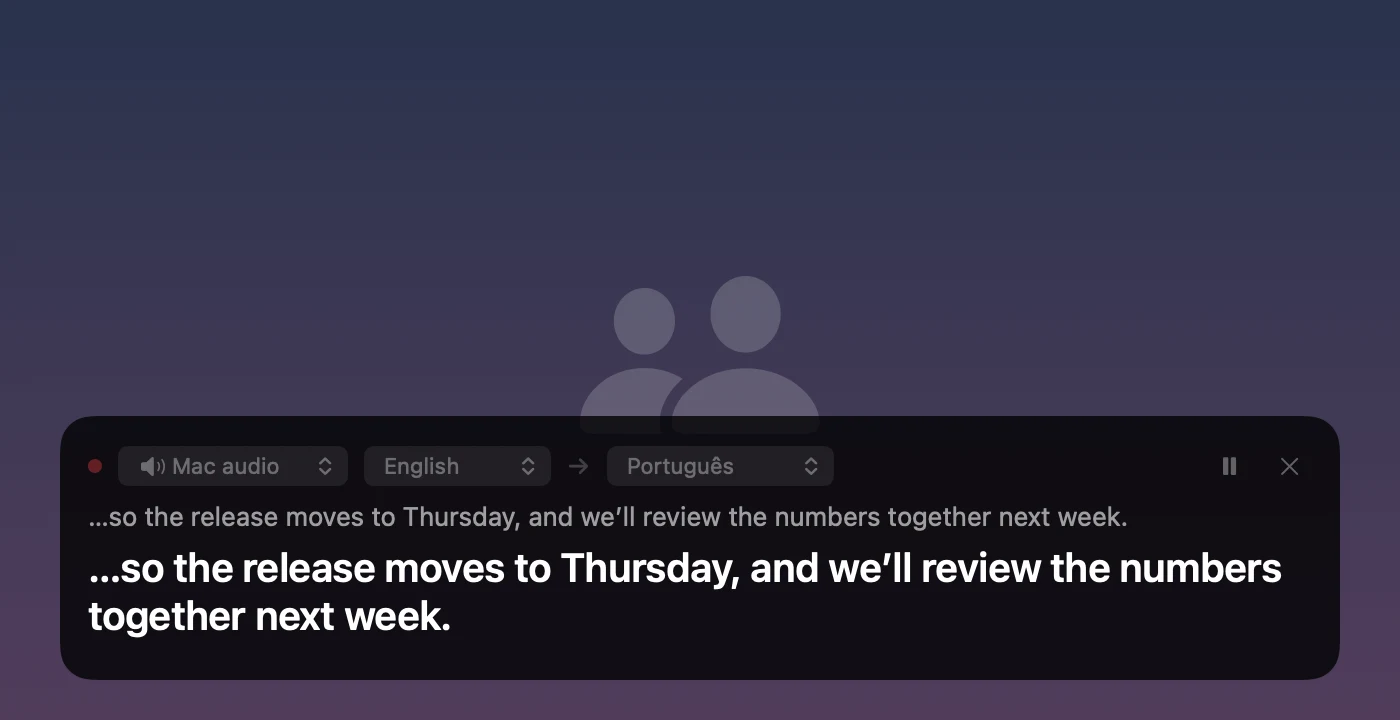
Your Mac’s audio or the microphone turns into captions in a small window, translated as you go. Great for calls and videos in another language.


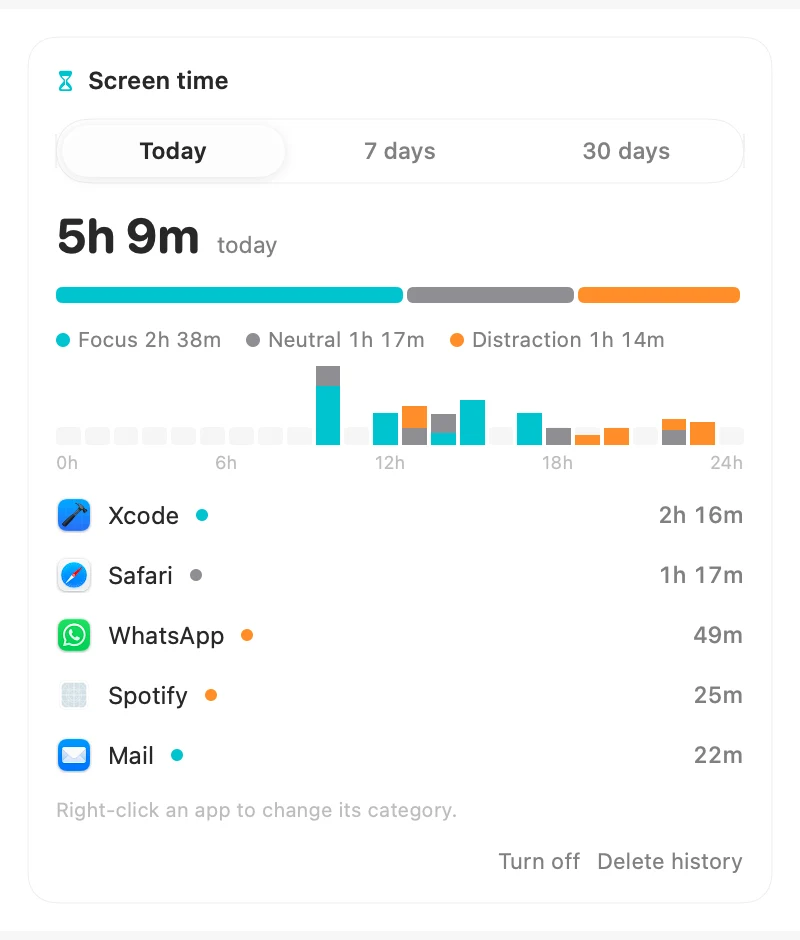
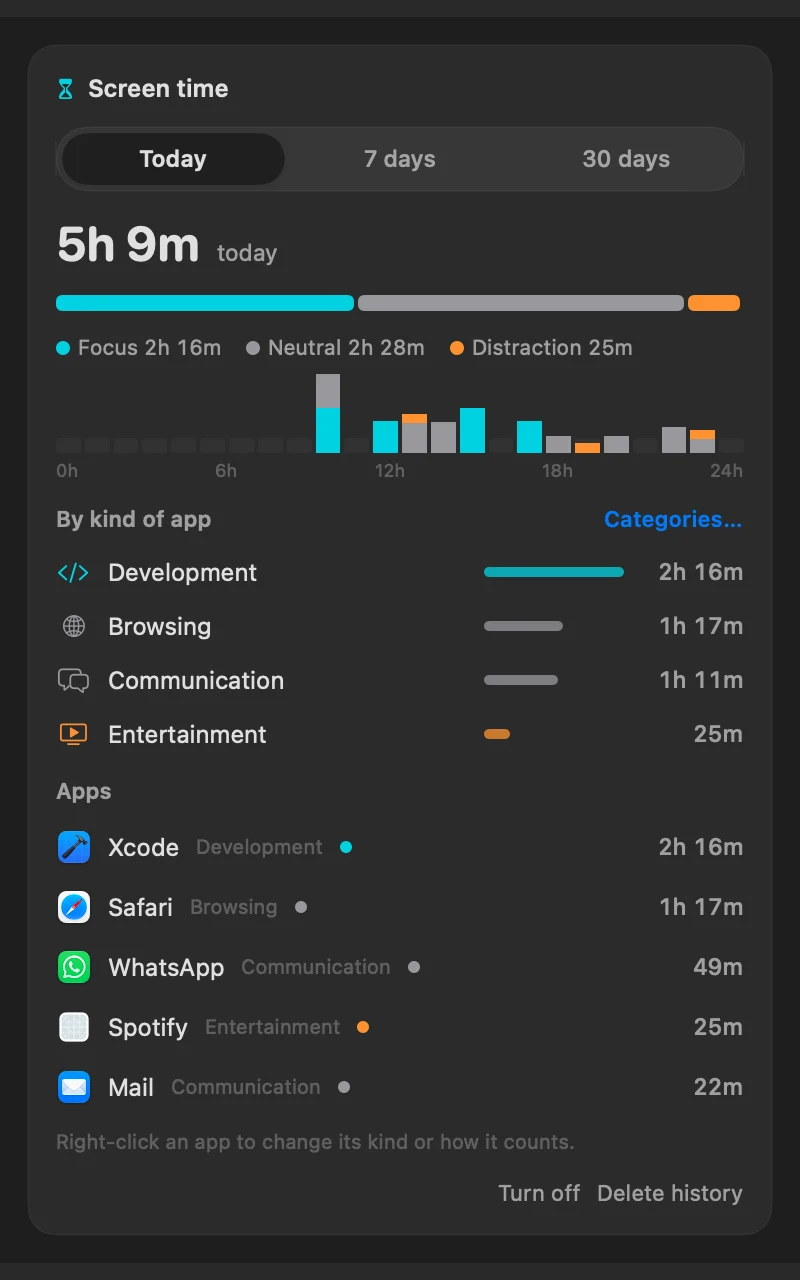
Time per app for the day, week or month, split into focus and distraction. Off until you turn it on. Now by kind of app (development, communication, entertainment…), and you decide how each one counts.


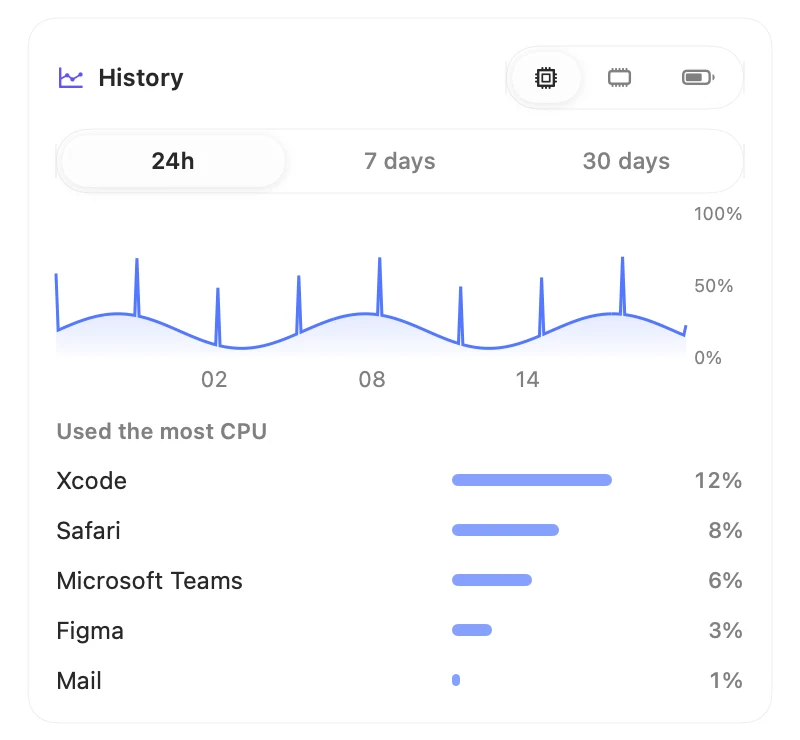
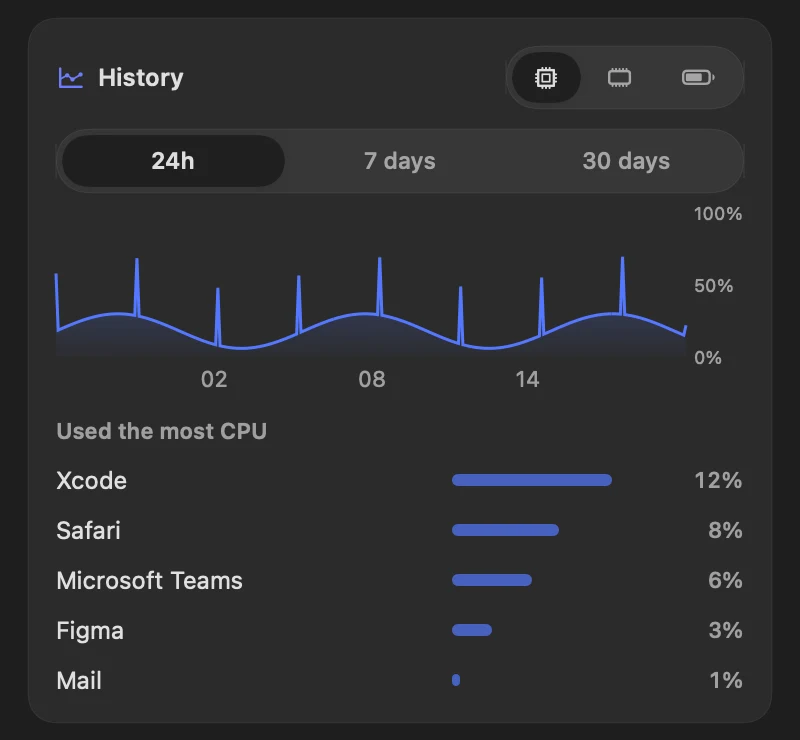
CPU, memory and battery over 24 hours, 7 or 30 days, and the apps that used the most.


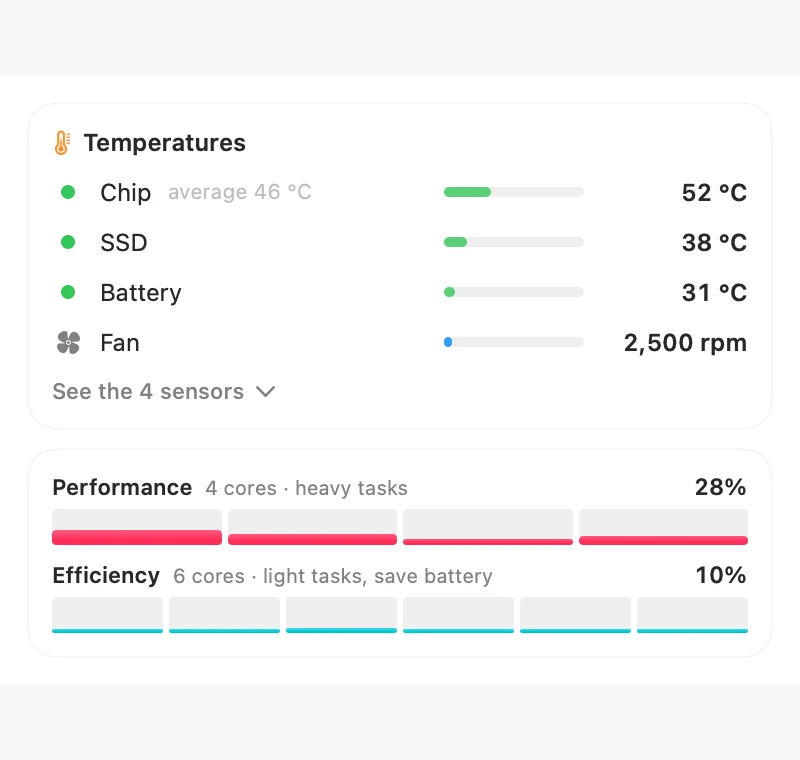
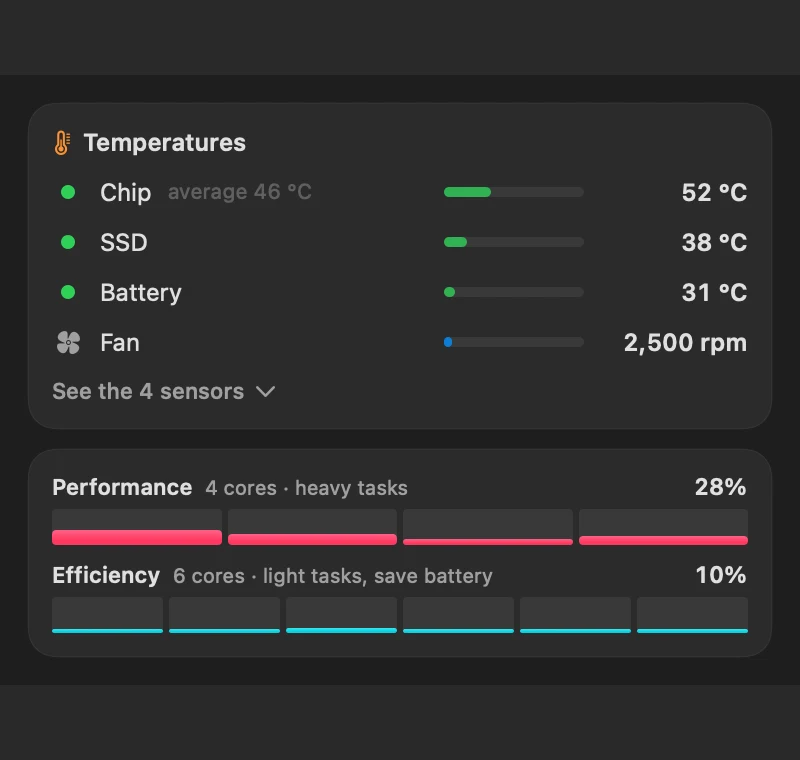
Chip, SSD and battery temperatures, fan speed and every performance and efficiency core.


Live speed, the apps using the network and your Wi-Fi signal, noise, channel and band.


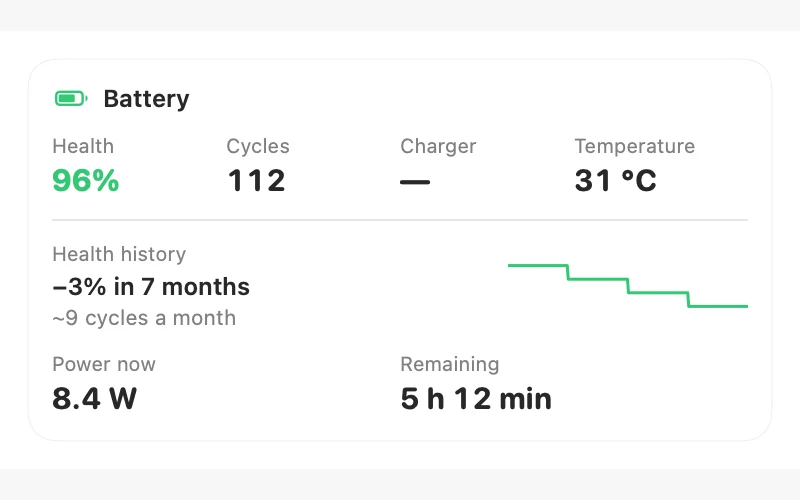
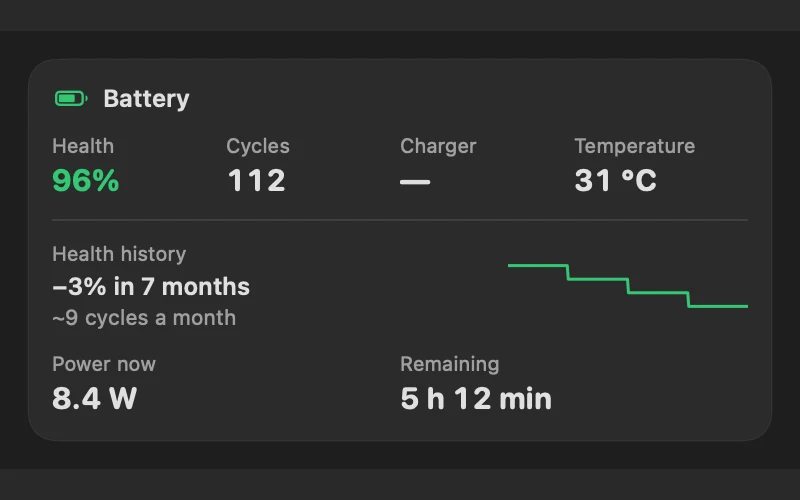
Alerts at 80% on the charger and when the battery gets hot, and shows how much health it lost over the months. The Wear card shows cycles per day, the hours and apps that drain it most, and time spent hot or full on the charger.


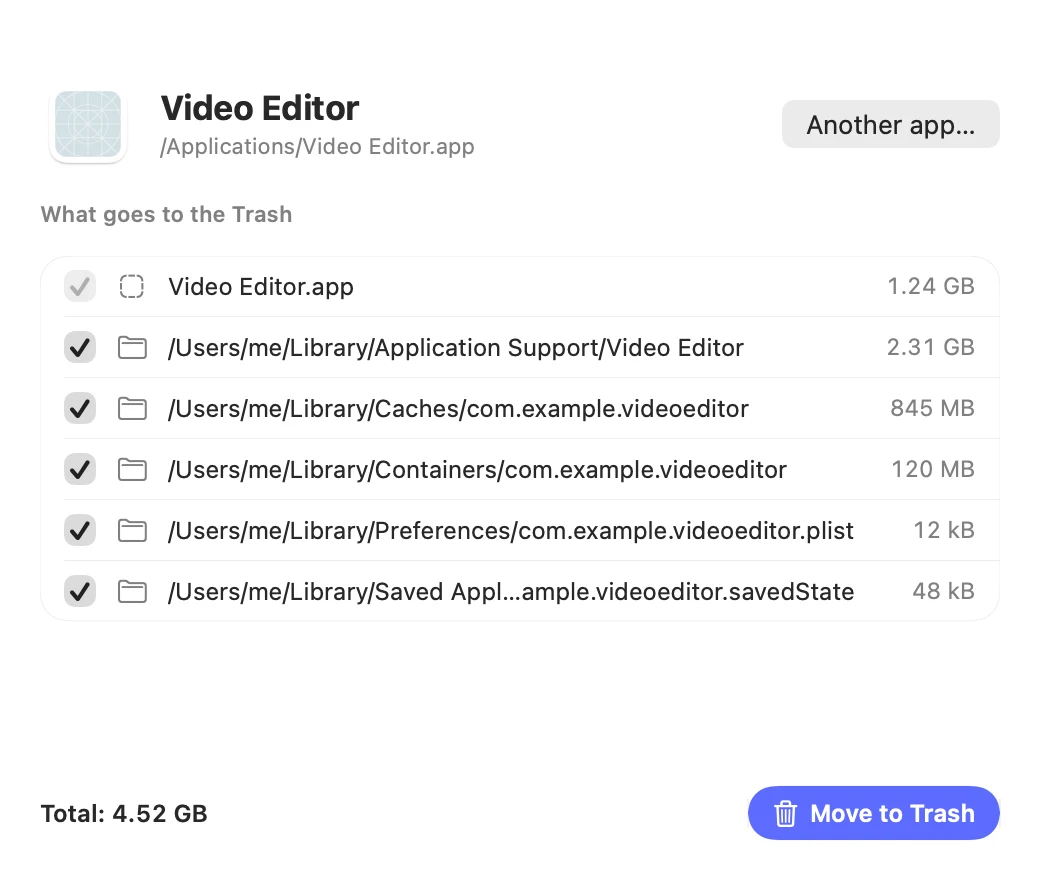
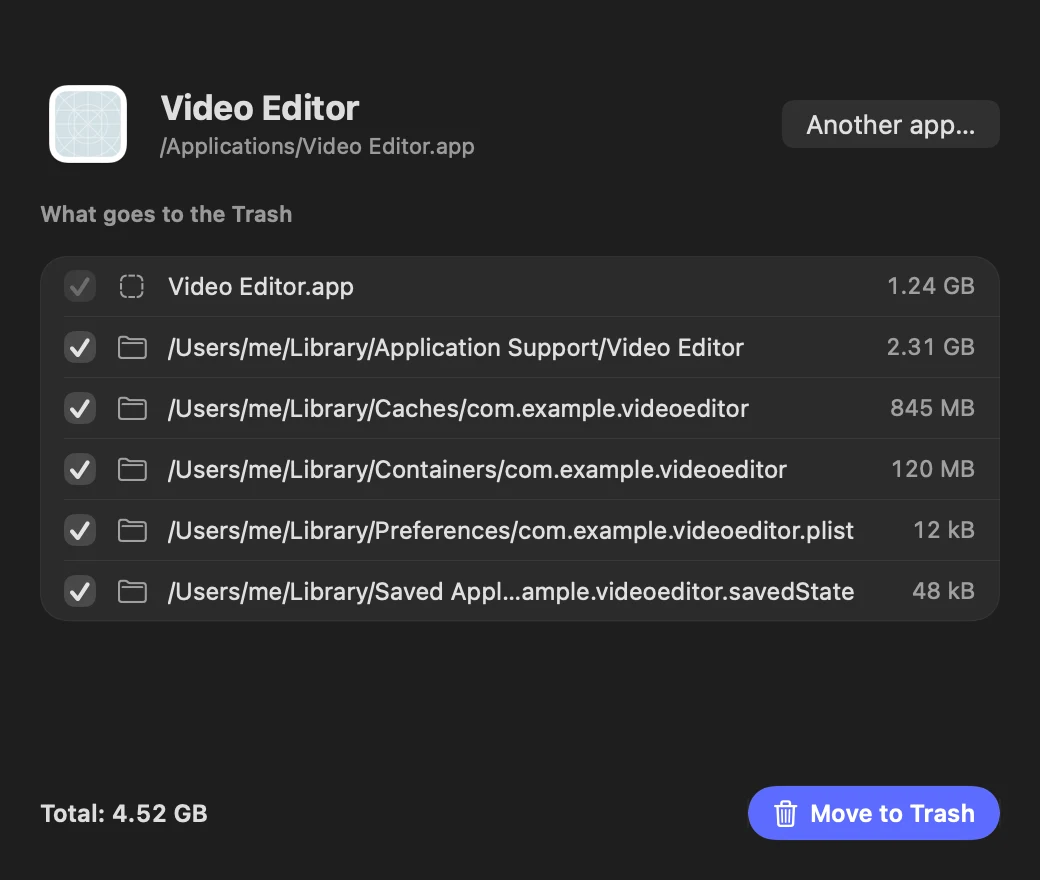
Removes an app with the preferences, caches and data it left behind. Everything goes to the Trash.


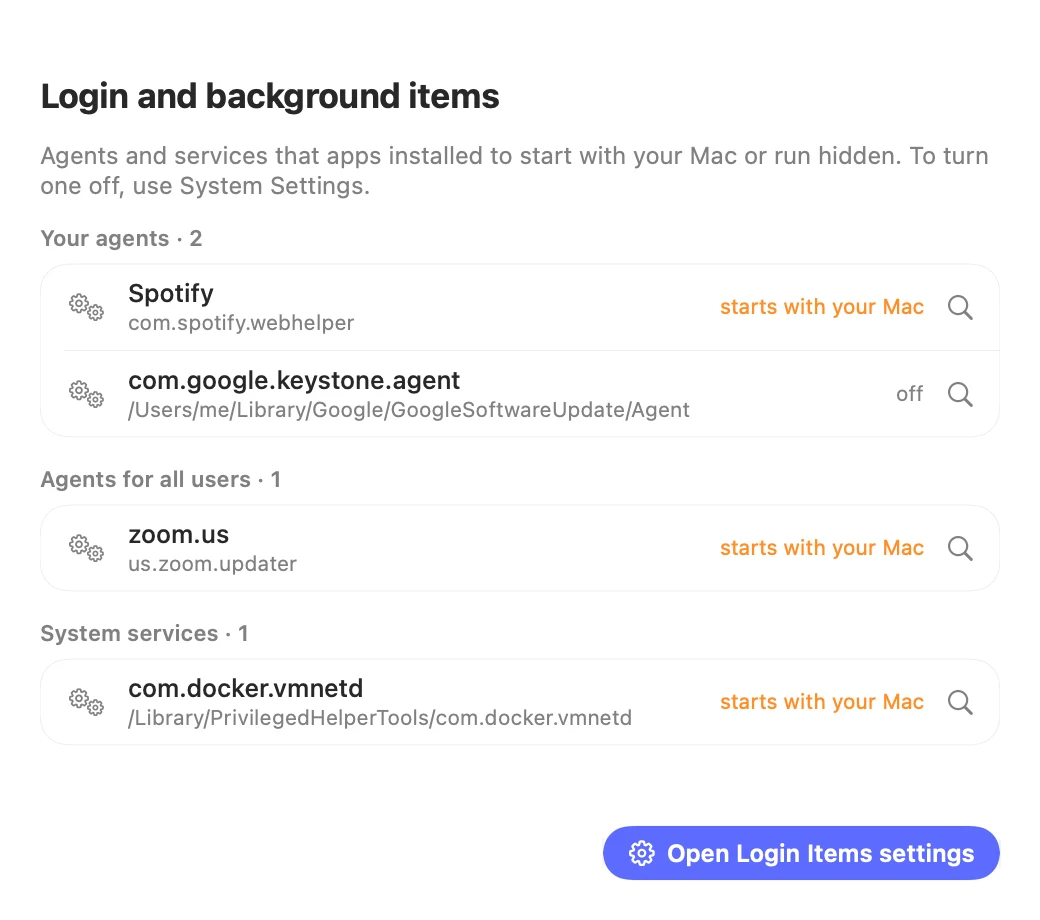
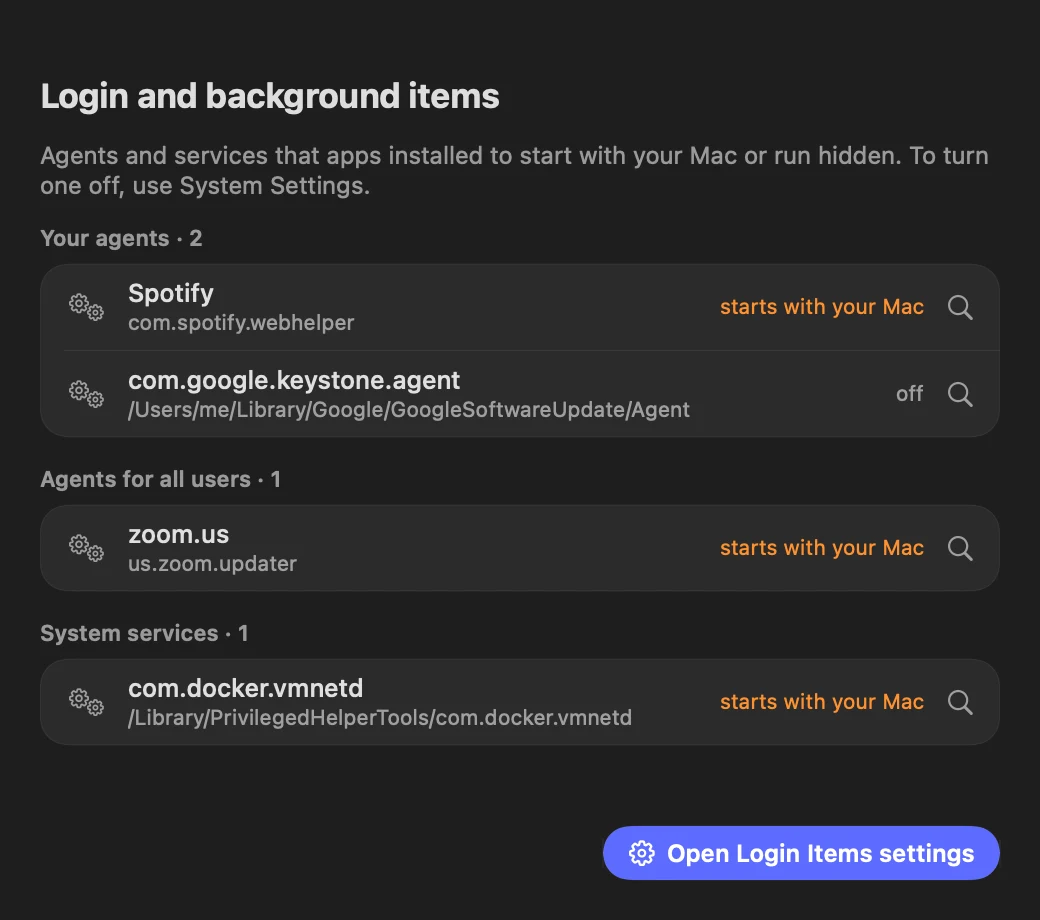
See which agents and services apps installed to start with your Mac or run hidden.
Menew covers the essentials of these tools in one free, native app. Keep using the others if you need their advanced features.
Command palette: apps, actions, math, conversions, quick links and AI (⌃⌥Space).
Clipboard history with search, preview, snippets and a paste queue (⌘⇧V).
Snap windows to halves, corners and thirds with the same ⌃⌥ shortcuts.
CPU, GPU, memory, disk, network and battery in the menu bar.
Screenshots with arrows, text, blur and pinning on screen (⌃⌥⌘S). Plus screen recording, GIFs and scrolling capture.
Keep the Mac awake for a while, until a time or while an app is open.
Disk cleaner for caches, logs, big files and duplicates; files go to the Trash. Plus an app uninstaller that removes the leftovers too.
A shelf for dragging files between apps, plus image and PDF tools. Split pages, extract the text (even from scanned PDFs) and password-protect PDFs.
Meeting recordings with transcript, minutes and tasks, made on your Mac (⌃⌥⌘G).
Copy text from anywhere on screen, even from videos and images (⌃⌥⌘T).
Actions on selected text in any app: rewrite, explain, reply, or turn it into a reminder or event (⌃⌥⌘R).
Tidy a folder like Downloads: names and folders suggested from each file’s content, with review and undo.
Names are trademarks of their owners and appear only for comparison. Menew isn't affiliated with or endorsed by any of them.
Detailed comparisons: Raycast · Maccy and Paste · Rectangle and Magnet · iStat Menus and Stats · CleanShot X · Otter and Granola
Menew is open source, so you don't have to take our word for it.
The app sends nothing about you: no analytics, no tracking, no account. Ever.
History and notes live in ~/Library/Application Support/Menew. Back up your settings, snippets, profiles and automations to a .menew file in Settings → Backup.
Read it, fork it, improve it. Anyone who distributes a modified version has to keep it open source.
Yes. Menew is free and open source under the GPL-3.0 license: no ads, no subscription, no paid tier. If it helps you, you can buy the author a coffee, but nothing in the app asks for it.
No. There is no telemetry, no analytics and no account. Clipboard history and notes stay on your Mac. The only network calls are the update check, your public IP, a speed test you start and a currency rate you ask for. AI features use Apple's on-device model only.
macOS 14 Sonoma or later, on Apple Silicon and Intel. The AI features need macOS 26 or later with Apple Intelligence turned on.
Download the DMG and drag Menew to Applications, or use Homebrew: brew install --cask menew after adding the quost/menew tap. Updates arrive automatically.
Menew is signed with an Apple Developer ID and notarized by Apple, and all of its source code is public on GitHub.
Yes. In Settings → Modules you can turn off Clipboard, Actions or Notes, and they disappear completely. With Clipboard off, Menew doesn't even read it.
Yes. Menew covers the essentials of each in one app: a command palette and clipboard history like Raycast and Maccy, window snapping with the same shortcuts as Rectangle, and system monitoring with sensors and history like iStat Menus. Those apps still go deeper in their own niche, for example Raycast's extension store.
No. Menew only uses Apple's on-device model (Apple Intelligence), so text, screenshots and questions never leave your Mac. There is no API key, no account and no extra cost.
Everything else works the same. The AI features tell you how to turn Apple Intelligence on instead of failing, the slow-Mac diagnosis still lists what is wrong, and the smart clipboard search works without it.
Quit Menew from its menu and drag it from Applications to the Trash, or run brew uninstall --cask menew. Your history and notes live in ~/Library/Application Support/Menew, which you can delete too.
Menew is a native Swift app, not a web wrapper, and the download is about 8 MB. It reads system stats every 2 seconds, takes heavier readings only while you look at them, and features like screen time stay off until you turn them on.
English, Portuguese, German, Spanish and Simplified Chinese. It follows your macOS language, and you can pick another one in Settings.
Yes. Press ⌃⌥⌘G (or Record in the Now tab) and choose Mac audio and microphone, Mac audio only, or microphone only. Your Mac transcribes it, tells you apart from the others, and Apple’s on-device AI writes a summary, decisions and tasks you can send to Reminders. No bot joins the call, nothing is uploaded, and short or empty recordings don’t get invented minutes.
Menew’s Recordings cover the everyday part: transcript, minutes and tasks, made on your Mac with Apple’s model, free and without an account. Granola and Otter go further with team sharing and cloud integrations.
When you see it, press ⌃⌥⌘K to save it to Memory: Menew keeps the image, reads the text and notes the app and link. Later, search or ask in plain words, like “which was that Swift chart library?”, and the on-device AI answers with the saved items as sources. Memory items also show up in Spotlight.
No. Menew is a free, open source app for the Mac menu bar, made by Quost and published at github.com/Quost/menew. Linx Menew is an unrelated point-of-sale system for restaurants in Brazil; the names are just alike.
Menew doesn't hide or rearrange other apps' menu bar icons (for that, use Ice or Thaw), has no extension store like Raycast's (it runs your own scripts instead), doesn't sync between Macs or to a cloud, and doesn't put a web browser in the menu bar. For deep hardware sensors per core, Stats and iStat Menus go further, though Menew shows chip, SSD and battery temperatures, fan speed and performance and efficiency cores.

Free forever. Takes ten seconds to install.
macOS 14 or later · Apple Silicon & Intel · Signed and notarized by Apple
brew tap quost/menew https://github.com/Quost/menewbrew trust quost/menewbrew install --cask menewNewer Homebrew versions ask you to trust third-party taps once.
git clone https://github.com/Quost/menewcd menew./build.sh --installNeeds Xcode 16 or the Swift 6 toolchain.
Using an AI assistant? Copy a ready-made prompt and paste it into ChatGPT, Claude or your terminal agent.
Menew is made in spare time. If it saves you a few minutes a day: