Early preview for testers v0.1.0-alpha.2
Menew for Linux
Your command palette and clipboard history, native on Linux. Free, open source, no account and no telemetry.
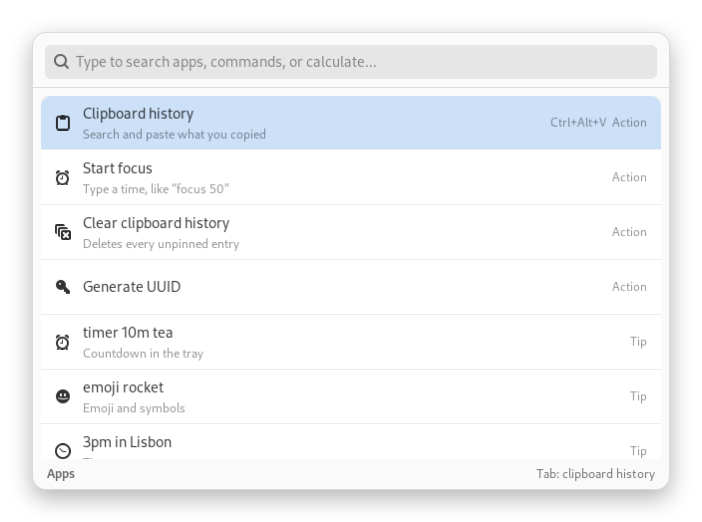
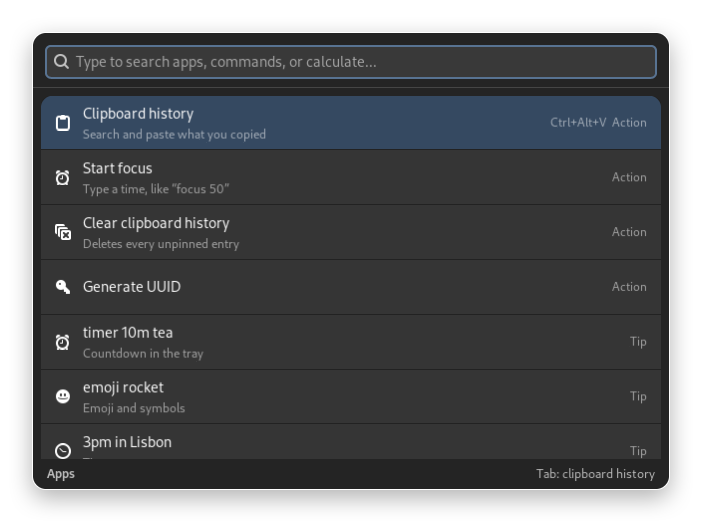
Your command palette and clipboard history, native on Linux. Free, open source, no account and no telemetry.
Apps, Menew actions, snippets and calculations in one place. It never touches the network until you ask for a currency rate.
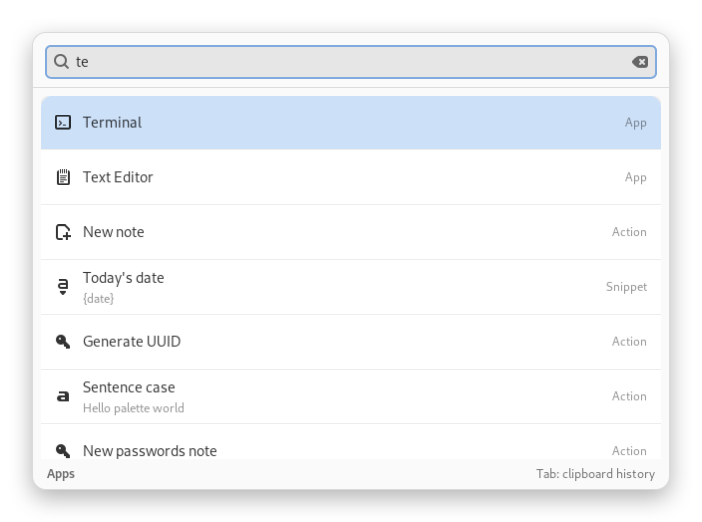
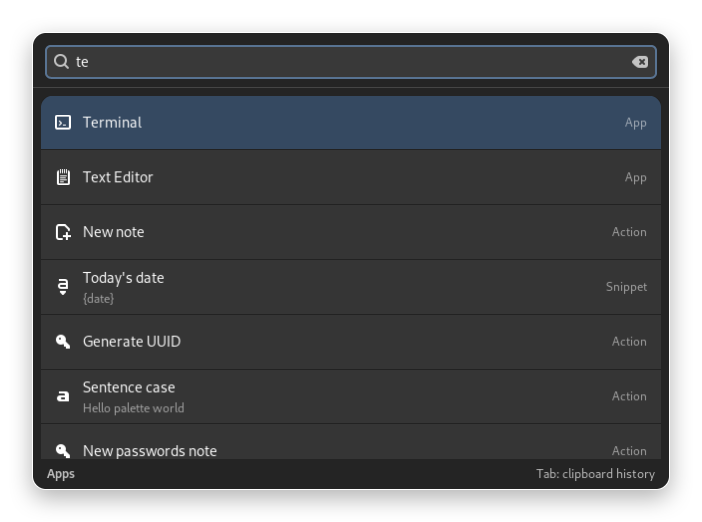
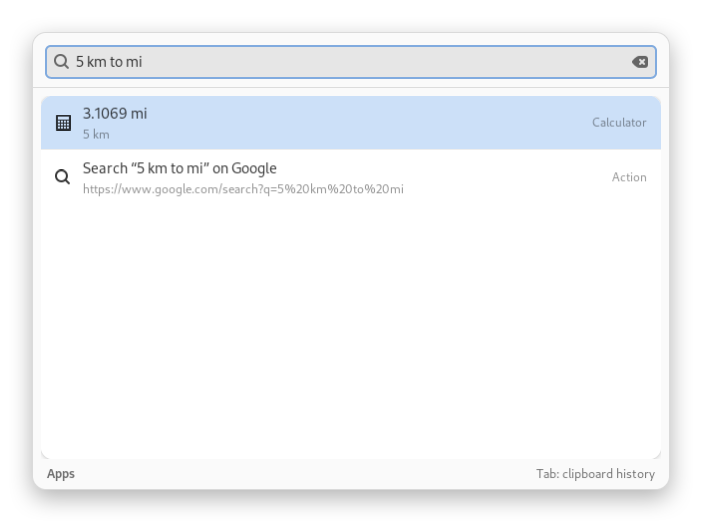
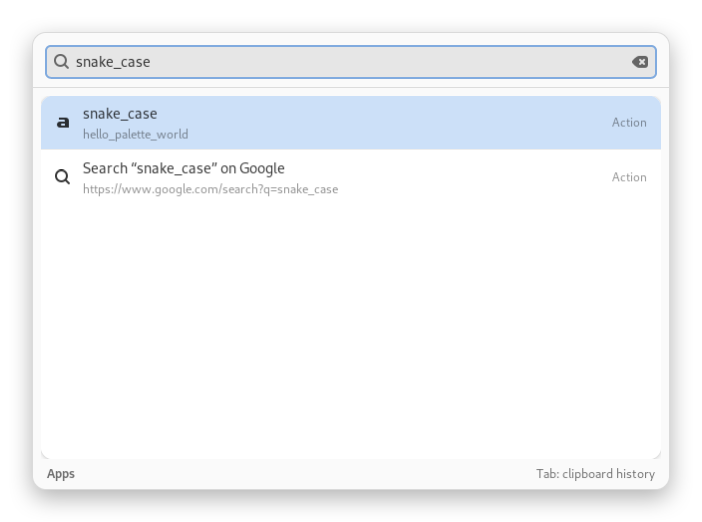
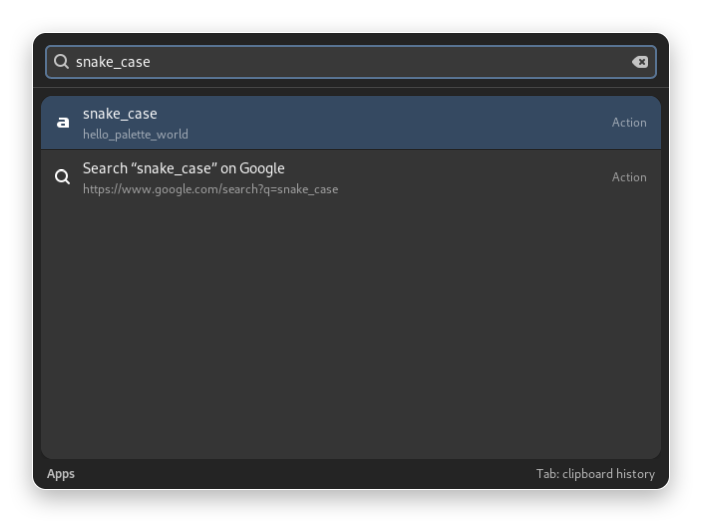
Finds your installed apps and puts what you picked recently first.
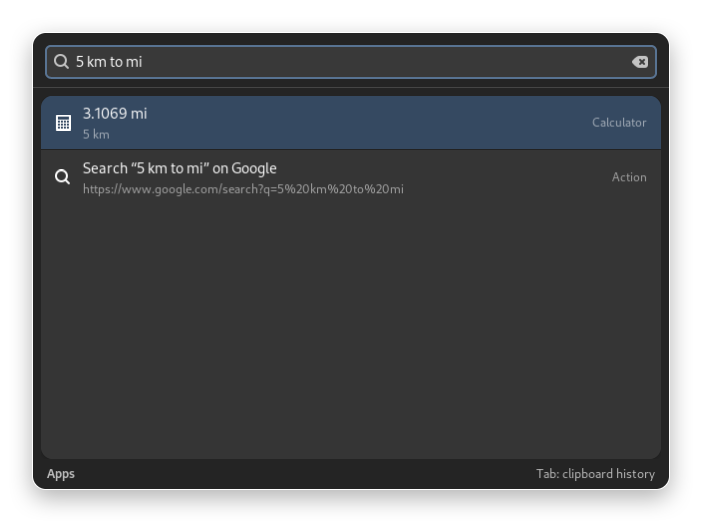
12*7.5, 20% of 340, 5 km to mi, 72 f to c. Currencies (100 usd to brl) use the European Central Bank rate, fetched only when you press Enter.
3pm ny to lisbon, time in Tokyo or just a city. A pasted Unix timestamp shows its date.
20 transforms on the copied text (case, accents, sort, JSON, Base64, URL, counts), with a live preview.
g coffee, gh menew, maps paulista, yt, wiki and your own. A typed address opens in your browser.
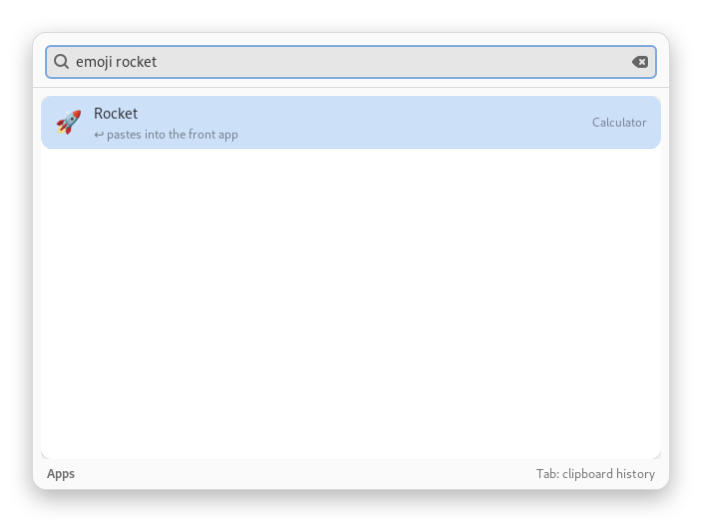
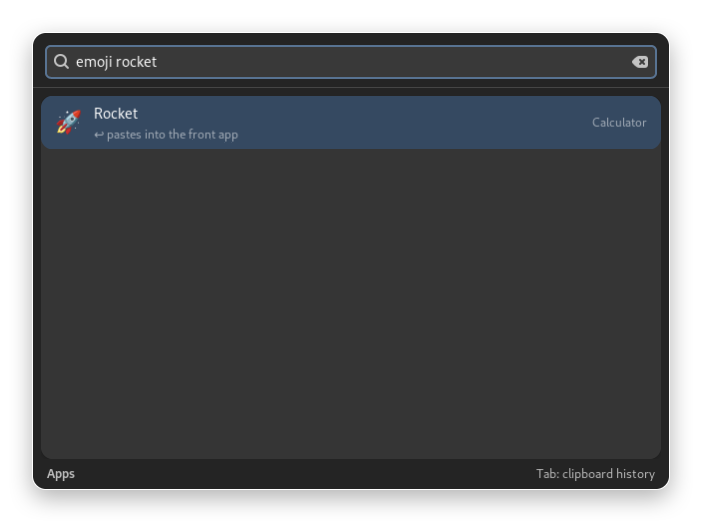
emoji rocket, :fire, arrows, degrees and more, found by name and ready to paste.
timer 10m tea, alarm 7:30 meeting, focus 50. The countdown shows in the tray, with a notification and a sound at the end.
Every script in a folder (shell, Python, Node, Ruby) becomes a command, and Raycast script headers work as they are. Scripts only run when you pick them.
Text, links, images and files with instant search, filters, pins and a preview. Passwords from password managers are never saved.
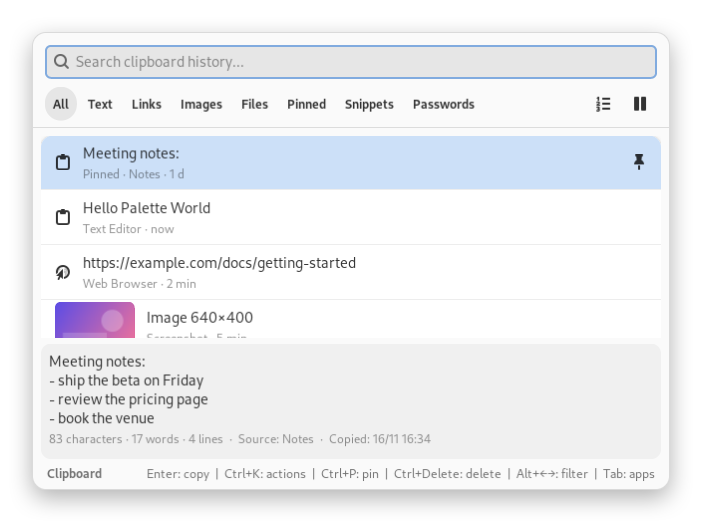
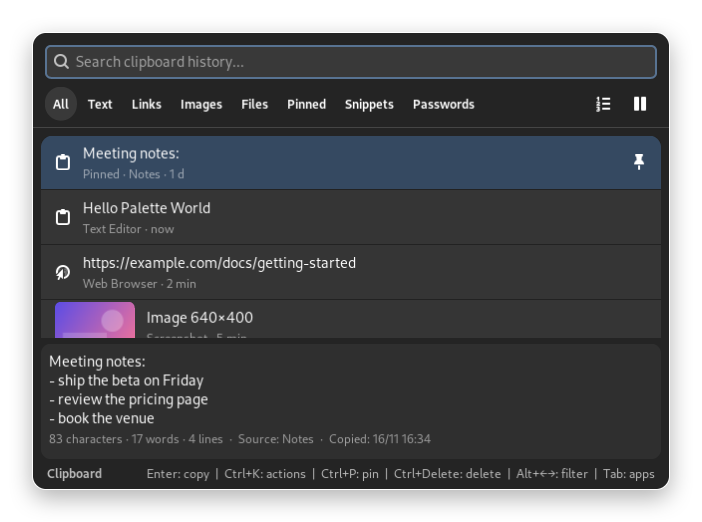
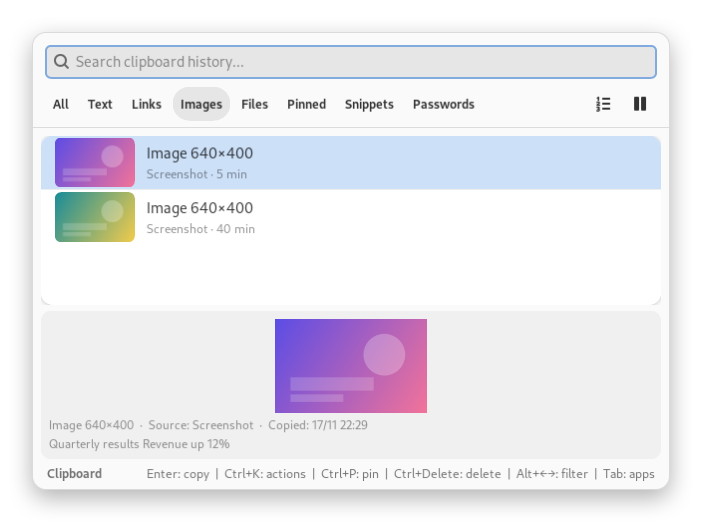
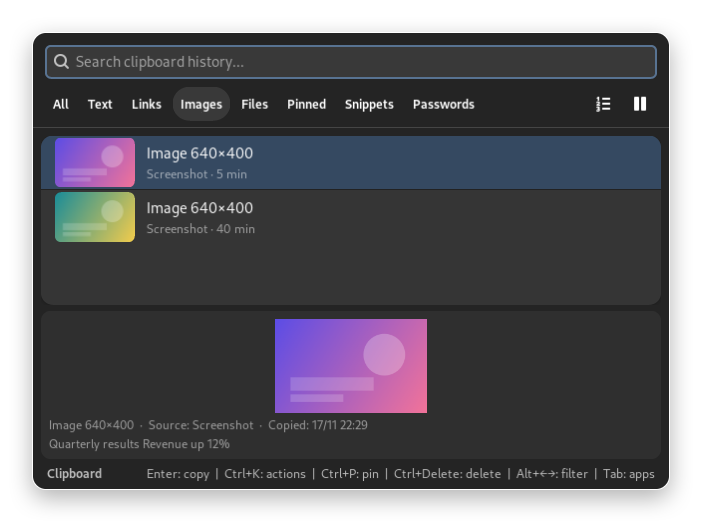
Instant search, pinned entries first, then the most recent, each with a one-line preview and its age.
Kept too, with a thumbnail and a preview pane. Filters for All, Text, Links, Images, Files, Pinned and Snippets.
Copied images are read on your computer with Tesseract, so search finds the words in them. Nothing is uploaded.
Call a number, write an email, open an address, track a package, copy a color as HEX, RGB or HSL, or join a meeting.
Pause the capture for 15 minutes, 1 hour or until you resume: nothing is read while paused. Copies flagged by password managers are skipped.
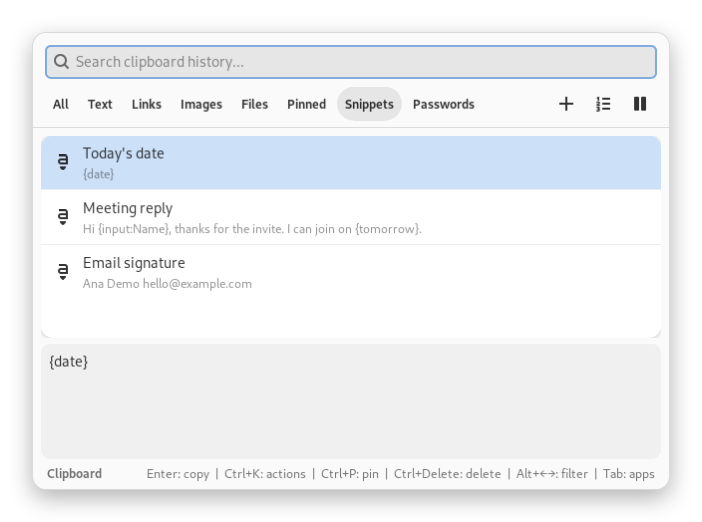
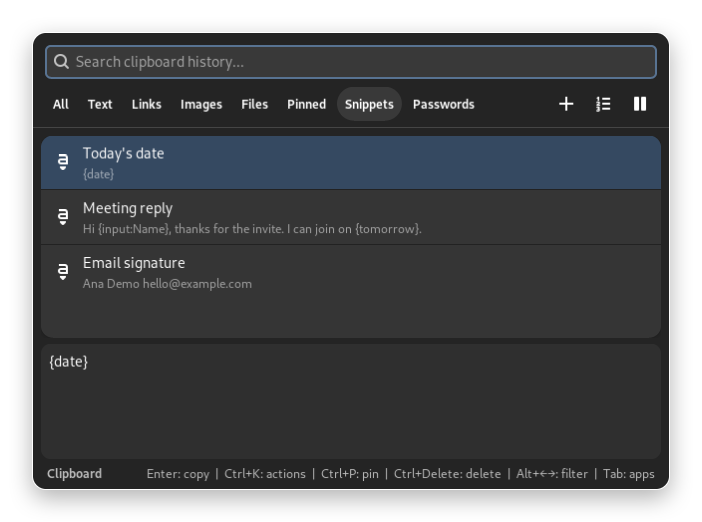
Texts with {date}, {clipboard}, {cursor} and {input:Name}, in the palette and in the Snippets filter.
Turn on the paste queue, copy several things, then run Paste next once per item, in the order you copied them.
By default Menew copies the entry and tells you to press Ctrl+V. With write access to /dev/uinput (off by default) it presses the keys for you.
Notes, annotated screenshots, text from the screen, QR codes and a system monitor, all on your computer.
Many notes with #tags, search and Markdown with checklists. Protected and password notes keep their content in your keyring (GNOME Keyring or KWallet), never in plain files.
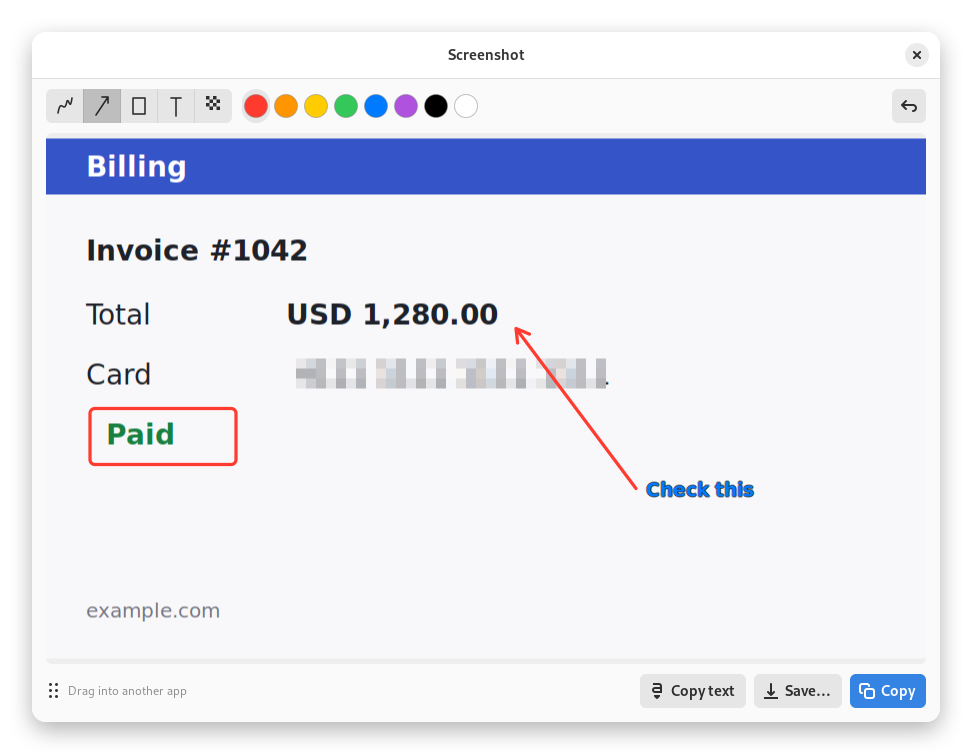
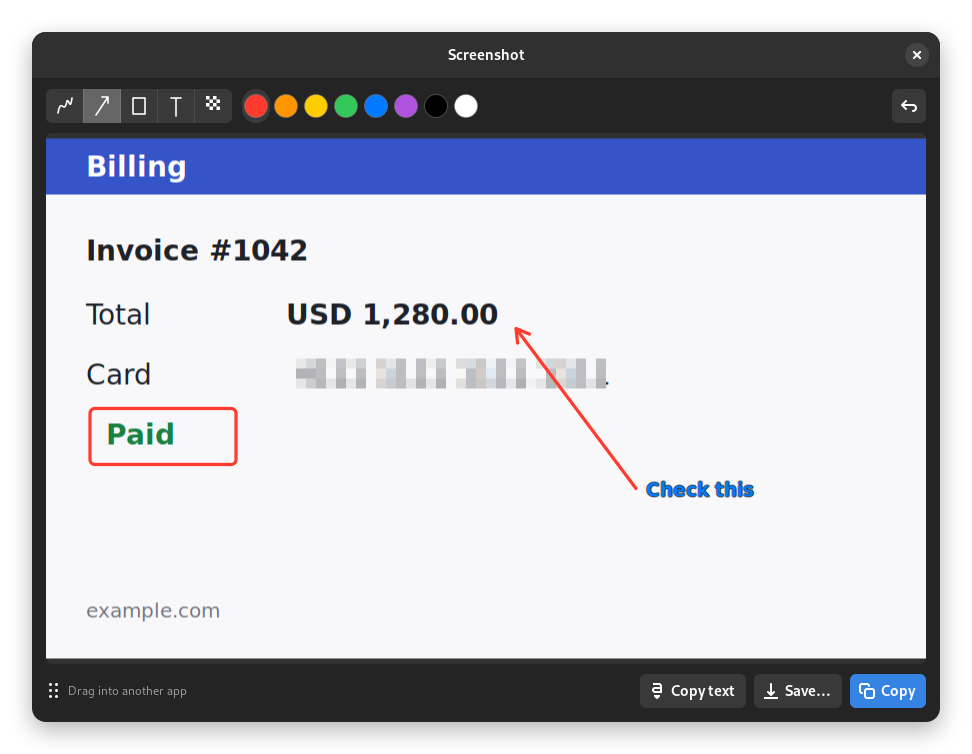
Capture an area, a window or the screen, then annotate with a pen, arrows, boxes and text, blur sensitive data (the pixels are really pixelated), copy, save or drag it into another app.
Copy the text of any area of the screen with Tesseract, on your computer. Nothing is uploaded.
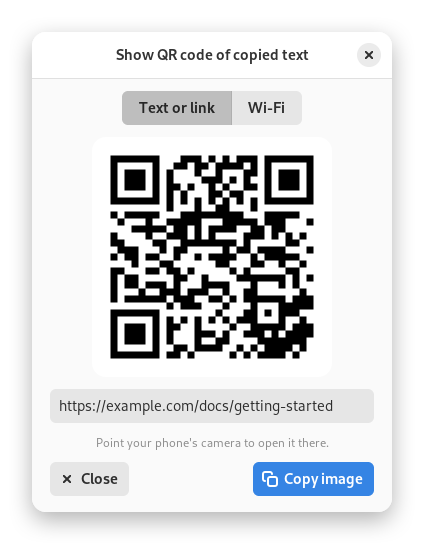
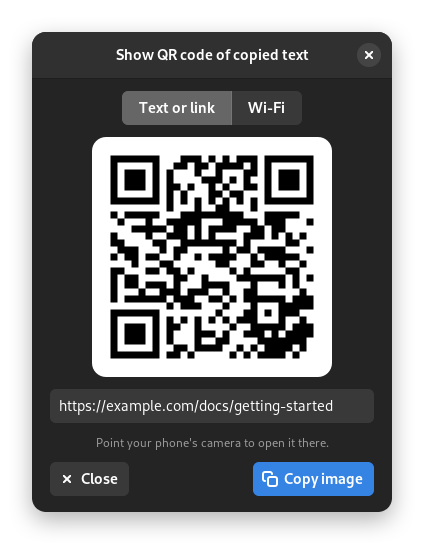
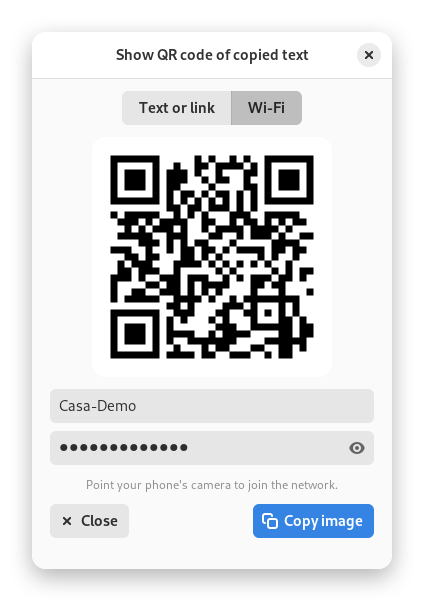
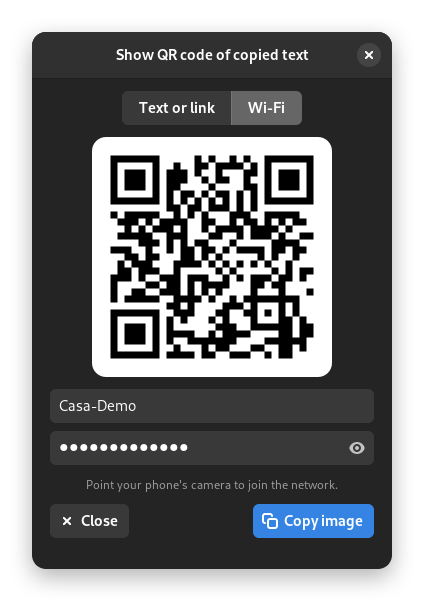
Read one from the screen (the content is copied, links never open by themselves) or show the QR code of the copied text, a link or your Wi-Fi.
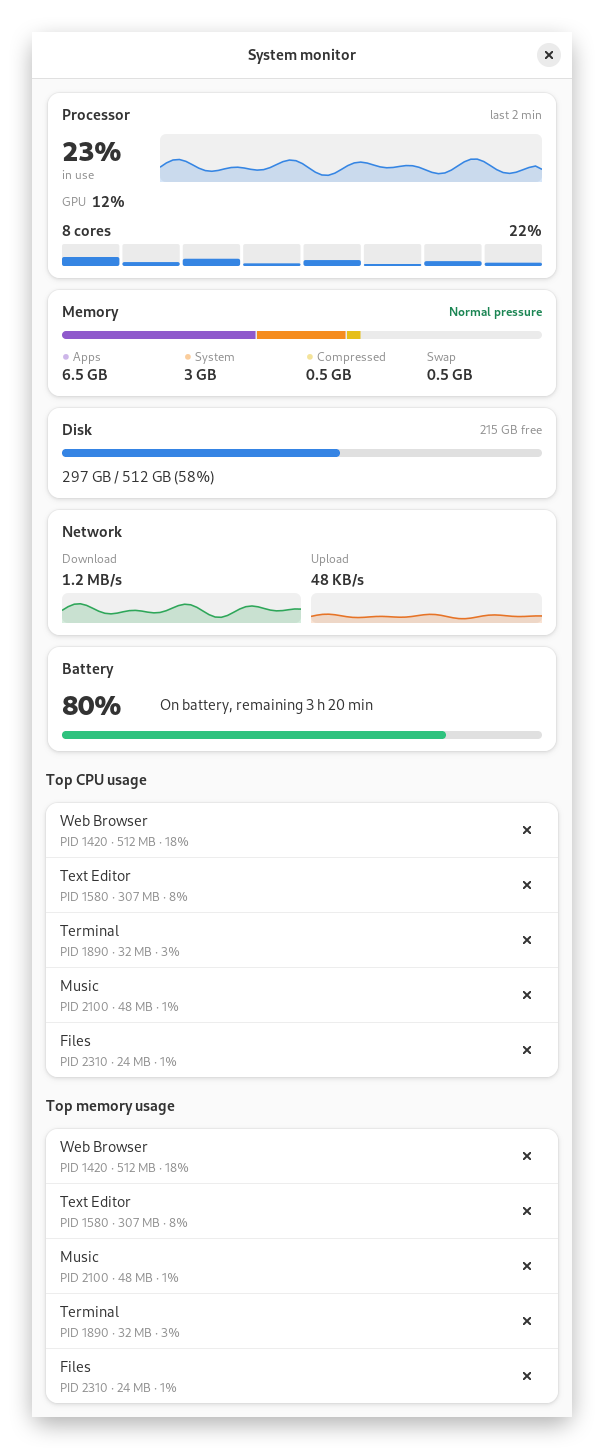
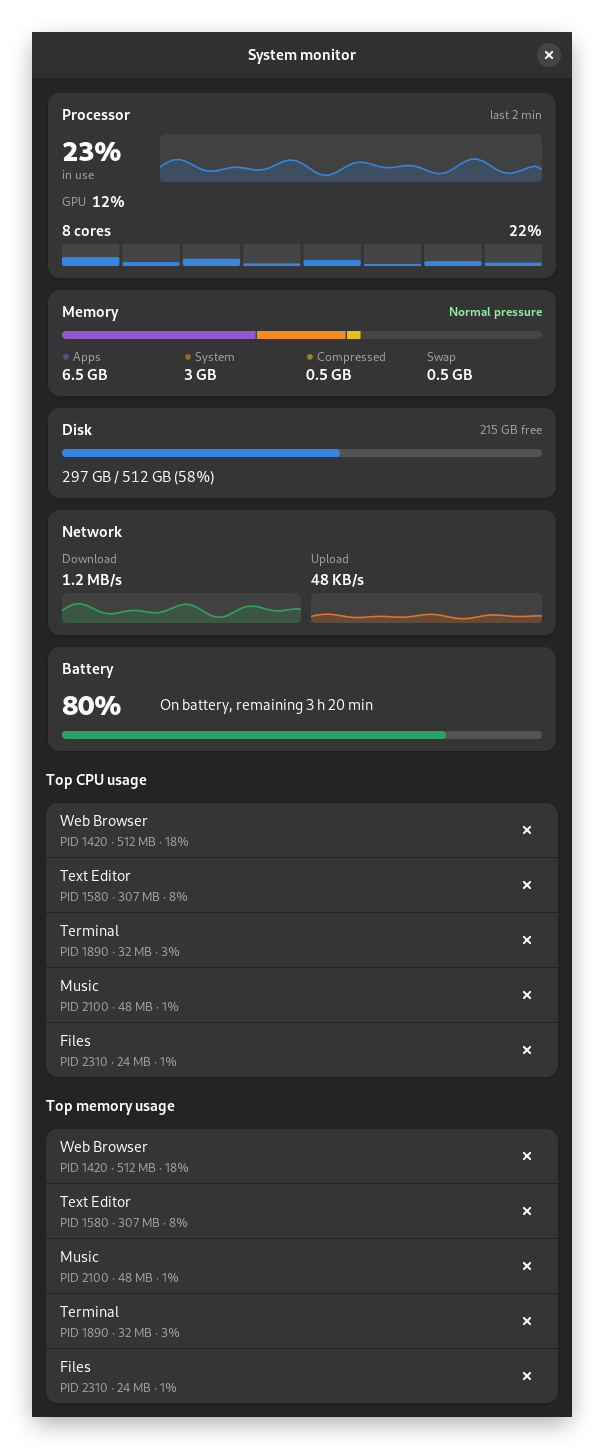
CPU with a graph and each core, memory, disk, network, battery and the top processes with one-click quit. It reads the machine only while its window is open.
Menew checks once a day (you can switch it off) and installs an update only after you confirm and its Ed25519 signature checks out.
These parts of the Mac app are still to be ported. No dates: they come when they are ready.
Snap windows to halves, corners and thirds, as far as Wayland allows.
Mute the microphone, switch audio, dark mode, keep awake, lock the screen, empty the trash, color picker, ports in use and more.
Pin a screenshot on the screen, screen recording, scrolling capture and asking about the screen.
History, temperatures and fans, battery health and alerts.
Remember what you did on the computer, and local AI through Ollama. Also a window of its own with settings.
Menew is built for Wayland. So far it was tested only on headless GNOME Shell 46 and KWin 5.27 sessions (Ubuntu 24.04), not on a real desktop yet.
menew toggle, menew clipboard and the others./dev/uinput.No telemetry, no analytics, no account. The clipboard history stays on your computer.
The history lives in a local SQLite file and images are files in your data folder. Nothing is uploaded.
Copies flagged by password managers are never read, and nothing is read while the capture is paused.
The text inside images is read with Tesseract on your computer.
Try the early preview and tell us what breaks, or watch the repository to know about new versions. Menew for Linux is free and open source (GPL-3.0).
Menew is made in spare time. If it saves you a few minutes a day: